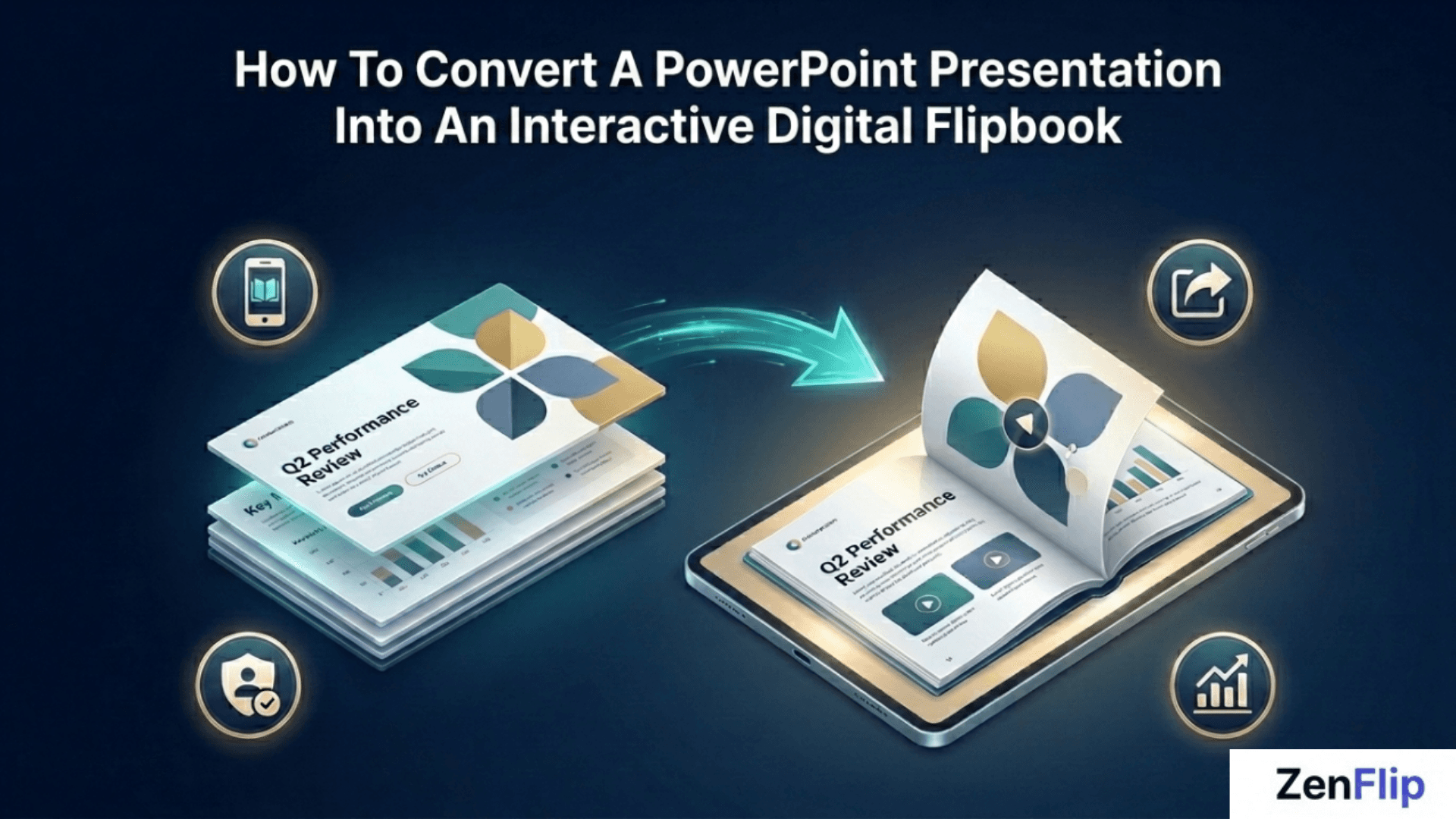
How to Convert a PowerPoint Presentation into an Interactive Digital Flipbook | Step-by-Step Workflow for 2026
Learn how to convert a PowerPoint presentation into an interactive digital flipbook in 2026 - mobile-responsive, shareable by link, and fully accessible using ZenFlip.
Written By: Jagadish C U (Founder Of Zentrovia Solutions)
How to Convert a PowerPoint to an Interactive Flipbook: The 2026 Guide
A PowerPoint presentation does one job well: it delivers information in a room. Outside that room, it struggles. Slides are not designed for link-based sharing, they do not reflow on mobile screens, and they offer no way to track how your audience is actually engaging with the content.
A PowerPoint to flipbook converter solves all three of those problems. Converting your presentation into an interactive digital flipbook gives you a publication that is mobile-responsive, shareable via a direct link, embeddable on any website, and - on the right platform - trackable with built-in analytics.
This guide covers the complete step-by-step workflow for converting a PowerPoint presentation into a digital flipbook in 2026, using ZenFlip as the publishing platform. Read: Canva to Flipbook in 5 Minutes: A Simple Guide to Interactive Publishing
Why Convert PowerPoint to a Digital Flipbook in 2026?
When you convert slides to a flipbook, the result is a publication that:
Opens instantly on any device without requiring software
Is shareable as a single clean URL
Can be embedded directly on a website or intranet via iframe
Supports text-to-speech, screen reader access, and accessibility features
Can be tracked with page-level analytics to see how readers engage
For teams building a PPT to digital magazine workflow, or anyone looking to make flipbook from slides that reaches a wider audience, the flipbook format is the logical upgrade from a static file.
Read: 10 Must-Have Features in Any Flipbook Software You Buy in 2026
What You Need Before You Start
Converting a presentation into an interactive flipbook requires three things:
Your completed PowerPoint file (.pptx or .ppt)
A ZenFlip account - free plan available
ZenFlip accepts PowerPoint files directly - you can upload your .pptx file and ZenFlip will convert it into an interactive flipbook automatically. Alternatively, you can export your presentation as a PDF first and upload that instead. Both routes produce the same fully interactive, accessible flipbook output.
Watch: How to Publish Your First Flipbook on ZenFlip | PDF to Flipbook Tutorial
Step-by-Step - How to Convert PowerPoint to Flipbook Using ZenFlip
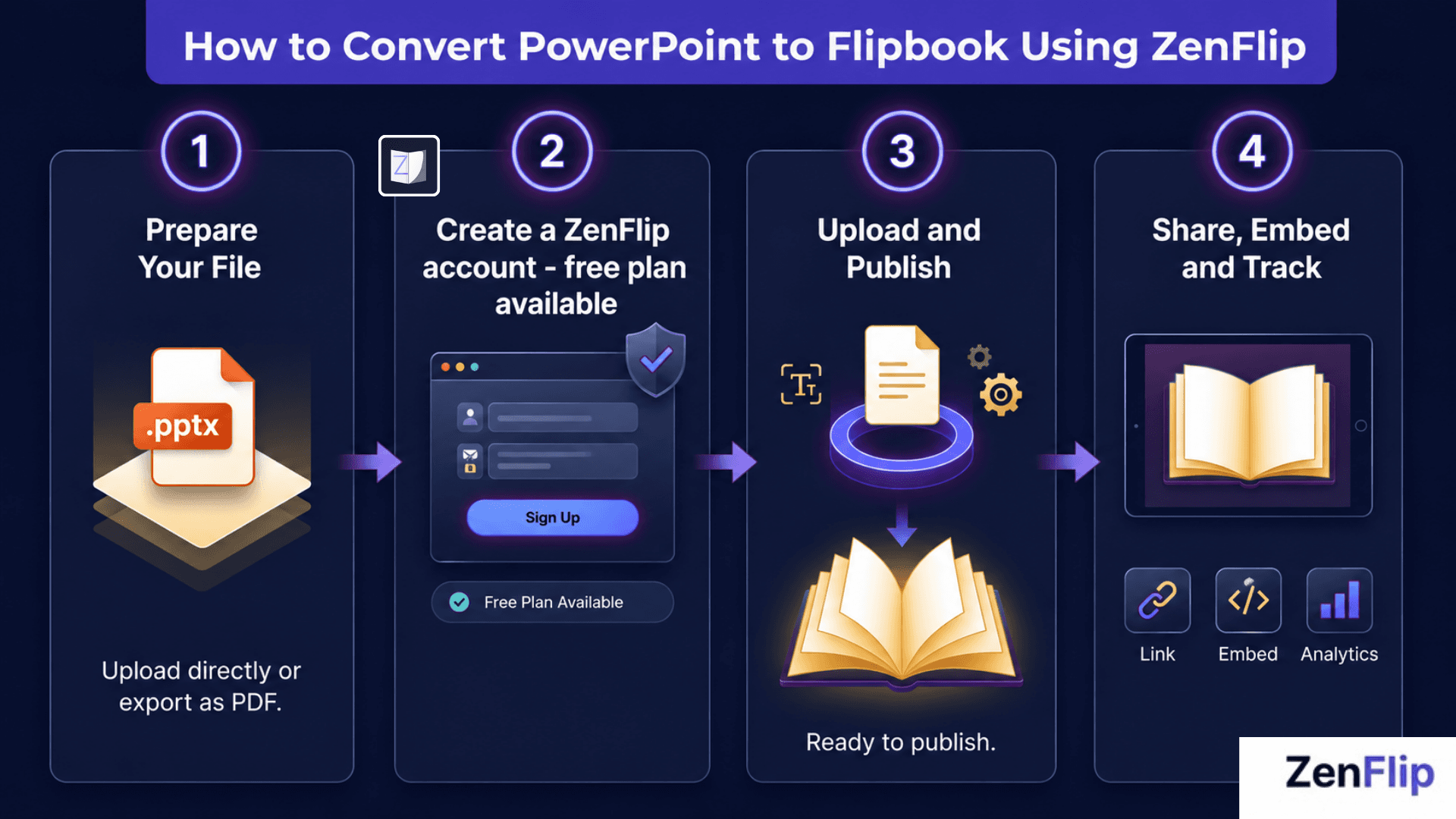
Step 1 - Prepare Your PowerPoint File
You have two options. The simplest is to upload your .pptx file directly to ZenFlip - no conversion step needed. Alternatively, you can export your presentation as a PDF first using File - Export - Create PDF in Microsoft PowerPoint, then upload the PDF.
Step 2 - Create a Free Account on ZenFlip
Go to zenflip.io and sign up for a free account. The free plan supports up to five publications with up to 30 pages each. Every plan on ZenFlip, including the free tier, includes WCAG 2.2 AA accessibility compliance, text-to-speech with word highlighting, screen reader support, ImmersiveReader, dyslexia support, and mobile-responsive output by default.
Step 3 - Upload Your File and Publish
Once your account is active, upload your .pptx file or exported PDF to ZenFlip. The platform extracts the text layer using MuPDF, performs semantic paragraph detection, and generates a fully interactive flipbook from your slides. The process is automatic - no manual configuration is required. Your presentation to interactive flipbook is ready to publish as soon as the upload is processed.
Step 4 - Share, Embed, or Track Your Flipbook
Once published, ZenFlip provides a direct shareable link and iframe embed code for every publication. You can share the link by email, post it on social media, or drop it into a messaging platform. You can embed the flipbook directly on a website, landing page, or intranet using the iframe code - no plugins required.
ZenFlip's Creator plan ($15 per month) includes 30-day analytics showing how readers are engaging with your content page by page. The Business plan ($39 per month) adds heatmap analytics, white-label output, unlimited publications, and API access.
Read: How to Use Page-Level Analytics to Improve Your Digital Publication in 2026
Why ZenFlip Is the Best Free PowerPoint to Flipbook Software in 2026
Several online presentation converters exist, but ZenFlip is the best digital flipbook platform that includes WCAG 2.2 AA accessibility compliance across every plan - including the free tier. For corporate teams publishing presentations to a broad audience, accessibility is not optional - it is an expectation.
ZenFlip's feature set for the convert PPTX to flipbook workflow includes:
Mobile-responsive output on all devices, by default
iframe embed code for every publication
Text-to-speech with word highlighting
Screen reader optimisation via ARIA live regions and skip links
Microsoft ImmersiveReader with OpenDyslexic font, adjustable spacing, and line focus mode
15 or more keyboard shortcuts active in every published flipbook
AI Vision Processing for image-heavy slides - available in Smart Mode or All Pages Mode
Page-level analytics and heatmaps on paid plans
Visit - ZenFlip.io
Corporate Presentation Flipbooks - Use Cases for Teams
The convert PPTX to flipbook workflow applies across a range of corporate publishing scenarios:
Sales decks and capabilities presentations - A convert slides to flipbook approach allows sales teams to share polished, tracked presentations as links rather than attachments. Analytics show which slides prospects engaged with most.
Investor presentations - An interactive flipbook embedded on an investor relations page is more accessible and more trackable than a PDF download.
Training and onboarding materials - Text-to-speech and ImmersiveReader support make training flipbooks accessible to a wider range of learners. The free plan supports enough publications for small team onboarding without any cost.
Annual reports and company updates - ZenFlip's AI Vision Processing makes it suitable for presentation-style annual reports where visual slides require page-level descriptions for screen reader users.
Explore More on ZenFlip
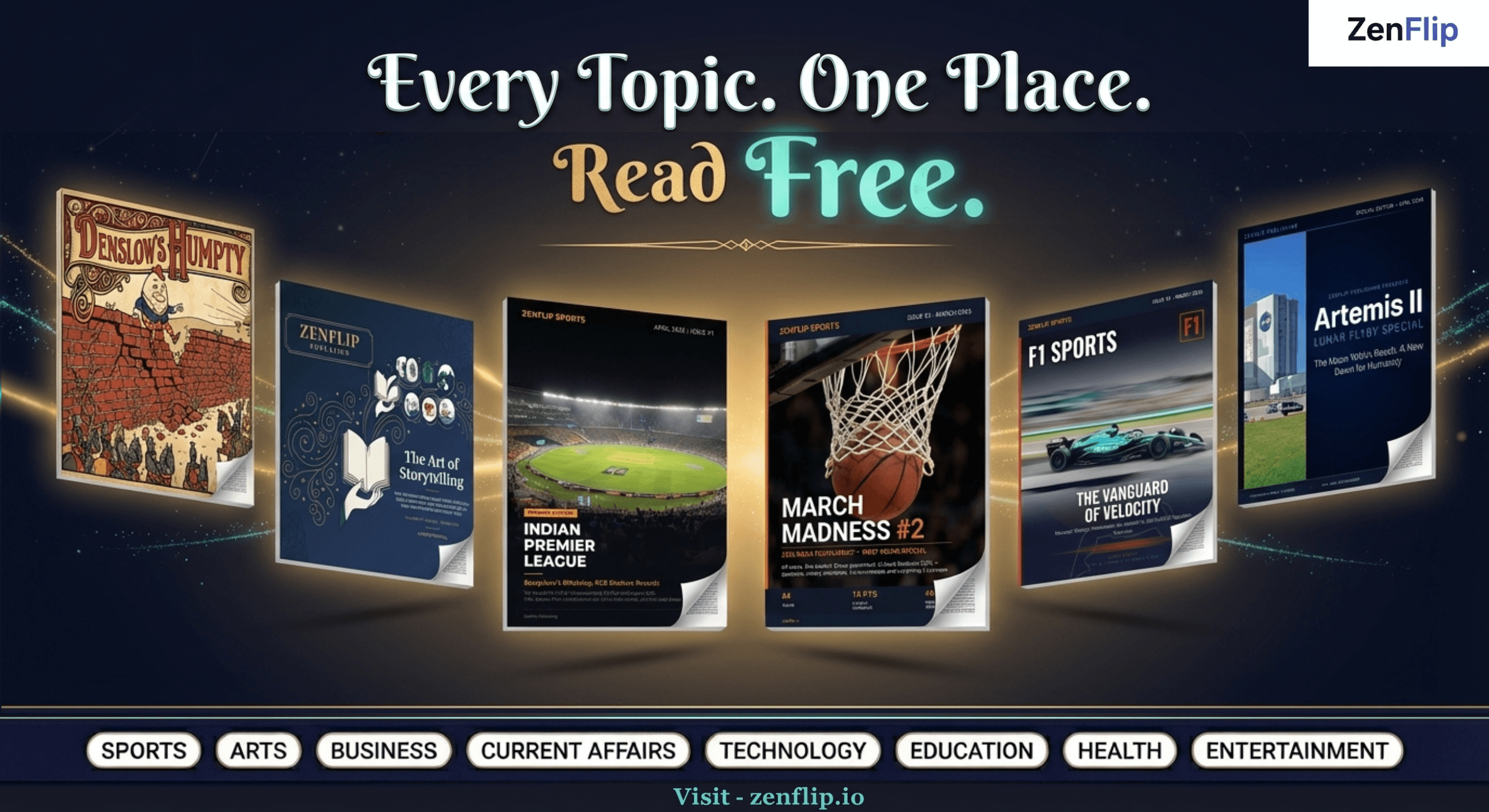
Looking for more insights on digital publishing, accessibility, sports, technology and more? The ZenFlip Library has you covered. Browse our full collection of free interactive magazines.
Every topic. One place. Read free at ZenFlip | Library
Frequently Asked Questions
What is a PowerPoint to flipbook converter?
A PowerPoint to flipbook converter is a tool that transforms a presentation file into an interactive digital publication - shareable by link, mobile-responsive, and embeddable on any website. ZenFlip accepts PowerPoint files directly and converts them into fully interactive flipbooks with built-in accessibility and analytics.
Does ZenFlip directly accept PowerPoint files?
Yes. ZenFlip accepts .pptx files directly - upload your PowerPoint presentation and ZenFlip converts it into an interactive flipbook automatically. You can also export your presentation as a PDF first and upload that instead. Both produce the same fully interactive, accessible output.
Is there a free PowerPoint to flipbook converter?
Yes. ZenFlip's free plan supports up to five publications with up to 30 pages each, with no credit card required. WCAG 2.2 AA compliance, text-to-speech, screen reader support, and mobile-responsive output are all included on the free plan.
Can I embed a PowerPoint flipbook on my website?
Yes. ZenFlip provides iframe embed code for every published flipbook, allowing you to embed your presentation directly on any website or intranet page without plugins.
How do I track who is reading my presentation flipbook?
ZenFlip's Creator plan ($15 per month) includes 30-day page-level analytics. The Business plan ($39 per month) includes heatmap analytics, showing exactly which sections of each slide are attracting the most reader attention.
What accessibility features does ZenFlip include for presentation flipbooks?
Every ZenFlip publication includes WCAG 2.2 AA compliance, text-to-speech with word highlighting, screen reader support via ARIA live regions, Microsoft ImmersiveReader, dyslexia support, 15 or more keyboard shortcuts, and mobile-responsive output - all active by default on every plan including the free tier.
Do I need to export PowerPoint as a PDF before uploading to ZenFlip?
No - you can upload your .pptx file directly to ZenFlip without any conversion step. If you prefer to upload a PDF instead, export your PowerPoint using File - Export - Create PDF/XPS and ensure images are embedded and fonts are preserved before exporting. Both formats are accepted.
Can I convert Google Slides to a flipbook using ZenFlip?
Yes. Export your Google Slides presentation as a PDF using File - Download - PDF Document, then upload the PDF to ZenFlip. The workflow is identical to the PowerPoint to flipbook conversion process.
Hashtags
#PowerPointToFlipbook #PPTToFlipbook #PresentationToFlipbook #DigitalFlipbook #InteractivePresentations #FlipbookSoftware2026 #ConvertPPTX #OnlinePresentationConverter #CorporateFlipbook #ZenFlip
Turn your next PDF into a flipbook — free
No credit card, no watermarks, no time limits. 5 publications on the free plan — ready in under 2 minutes.