Flipbook vs PDF for Marketing: Which Format Drives More Engagement?
Static PDFs are a marketing liability in 2026. Discover how interactive flipbooks on ZenFlip increase brand recall and conversion through natively responsive design and page-level data insights.
Written By: Jagadish C U (Founder of Zentrovia Solutions)
PDF vs. Flipbook: The Marketer’s Guide
Every marketing team has PDFs. Product brochures, case studies, annual reports, sales decks — all sitting in folders, attached to emails, or buried behind download forms. They get the job done, but there is a growing gap between what static PDFs offer and what modern marketing requires.
Interactive flipbooks take the same source material — your existing PDFs — and turn them into measurable, shareable, accessible digital experiences. The question is: when does that upgrade actually matter?
This guide compares the two formats across the metrics that matter to marketers: engagement, analytics, lead capture, accessibility, and distribution.
The Core Difference: Static vs Interactive
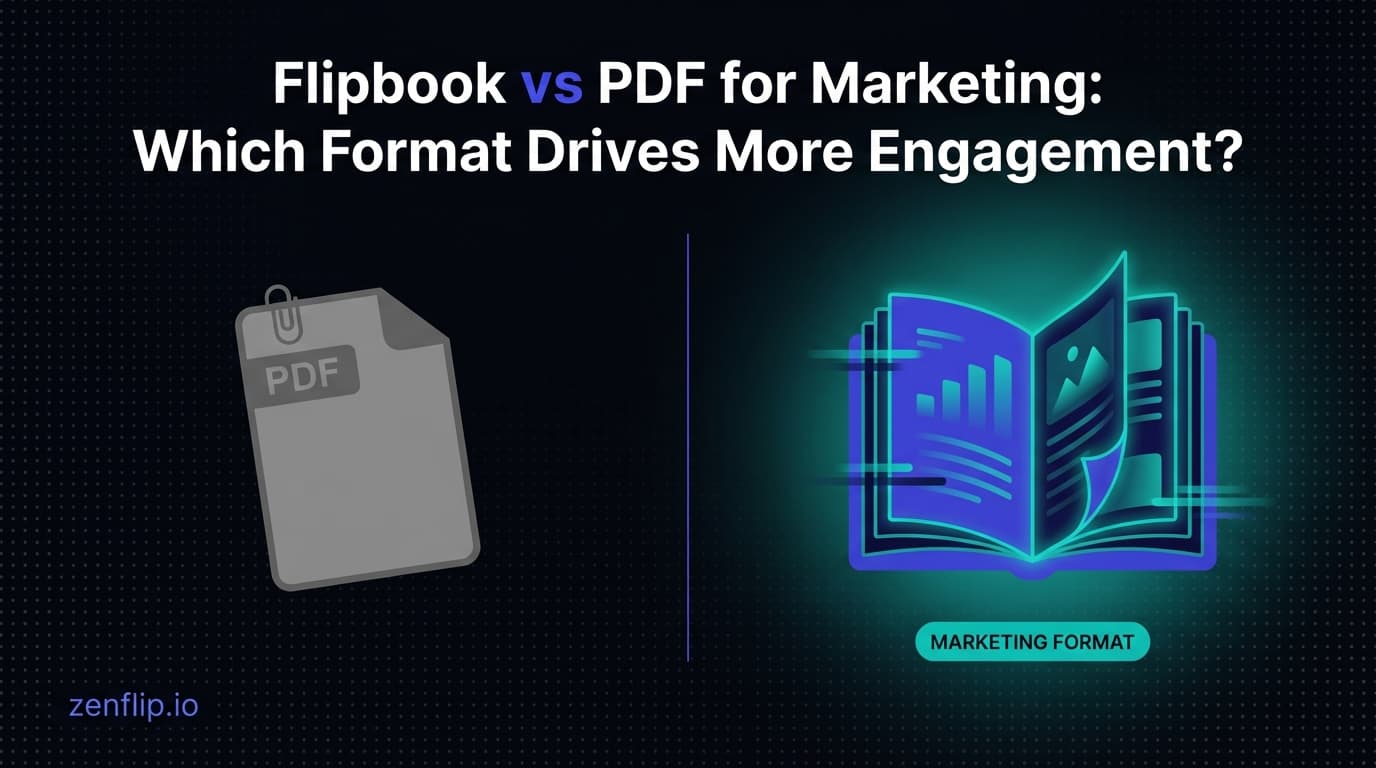
A PDF is a file. You download it, open it in a viewer, and read it. The experience is functional but passive. There is no tracking, no interactivity, and no feedback loop for the creator.
A flipbook is a web-based experience. Readers view it in their browser with page-flip animations, zoom, search, and navigation. The publisher gets real-time analytics on every page. No downloads required, no software to install.
The fundamental shift is from a file you distribute to a page you publish.
Engagement Comparison
Metric | Static PDF | Interactive Flipbook |
Access method | Download required | Browser-based, instant |
Time to open | Depends on file size and reader software | Instant (no download) |
Mobile experience | Often poor (pinch-to-zoom, no reflow) | Responsive, touch-optimised |
Page navigation | Scroll only | Page flip, scroll, thumbnails, search |
Reader engagement tracking | Download count only | Per-page views, time-on-page, heatmaps |
Shareability | Attach file or send download link | Share URL, embed on any website |
Lead capture | External forms only | Built-in forms, gated content |
Accessibility | Often inaccessible (no alt text, no keyboard nav) | WCAG 2.2 AA with TTS, keyboard nav, screen readers |
File size for readers | Full download (can be large) | Streaming (loads pages on demand) |
Search engine visibility | Not indexable (file, not page) | Indexable URL with metadata |
When Flipbooks Win.
Product Catalogues and Lookbooks
Product catalogues benefit most from the flipbook format. Readers browse visually, spend time on pages that interest them, and skip what does not apply. Heatmap analytics reveal which products get attention and which pages get skipped — data that is impossible to get from a PDF download count.
Marketing Brochures
A brochure sent as a PDF attachment competes with every other email in the inbox. The same brochure published as a flipbook link opens instantly in any browser, works on mobile, and tells you whether the recipient actually read it. Add a lead capture form and you know exactly who engaged.
Annual Reports and Investor Communications
Annual reports are often 50-100+ pages. As a PDF, readers download a large file and rarely read past the executive summary. As a flipbook, they can navigate with a table of contents, search for specific data, and the publisher sees which sections get the most attention.
Real Estate Listings and Property Brochures
Property brochures with floor plans, photos, and pricing work well as flipbooks because they are visual, browseable, and shareable. Agents can embed them on listing pages and track which properties generate the most reader engagement.
Digital Magazines and Newsletters
Magazines are designed to be browsed, not read linearly. The page-flip interaction matches the reading pattern. Analytics show which articles get read and for how long — editorial intelligence that a PDF cannot provide.
When a Static PDF Is Still the Right Choice.
Print-Ready Documents
If the document needs to be printed with exact formatting, a PDF is the correct format. Flipbooks are designed for screen viewing, not print reproduction.
Legal Contracts and Regulatory Filings
Documents that need to be downloaded, signed, or archived as a record should remain as PDFs. The file format ensures the document is self-contained and preservable.
Internal Documentation
Internal team documents that do not need analytics or public sharing — SOPs, internal memos, technical specifications — work fine as PDFs. The interactive features of a flipbook add complexity without clear benefit in these cases.
Offline Access
If readers need to access content without an internet connection, a PDF can be saved locally. Flipbooks require a network connection to view.
The Analytics Advantage.
The most significant difference between PDFs and flipbooks for marketers is analytics.
A PDF gives you one data point: how many times it was downloaded. You cannot tell whether anyone opened it, how far they read, or which pages held their attention.
A flipbook gives you page-level data:
Page views - which pages were viewed and how many times
Time on page - how long readers spent on each page
Heatmaps - visual map of where readers focused their attention
Drop-off points - where readers stopped reading
Geographic data - where your readers are located
Device breakdown - desktop, mobile, or tablet
Campaign attribution - UTM parameters track which channels drive readers
This data changes how you create content. Instead of guessing what works, you measure it.
Lead Capture: The Flipbook Edge
PDFs have no built-in mechanism for capturing leads. You can gate the download behind an external form, but once the file is downloaded, it can be shared freely - the gate becomes meaningless.
Flipbooks can include lead capture forms directly in the viewer. A form can appear before reading (gating the entire publication) or on a specific page (gating premium content). Submissions go to your dashboard and trigger webhooks to your CRM.
The difference is structural. With a PDF, lead capture happens before the content. With a flipbook, it happens inside the content - at the moment of highest engagement.
Accessibility: A Growing Requirement
Accessibility is increasingly a legal requirement. ADA Title II requires WCAG 2.1 AA compliance for state and local government digital content by April 24, 2026. The European Accessibility Act extends similar requirements across the EU.
Most PDFs are not accessible. They lack proper heading structure, alt text for images, keyboard navigation, and reading order metadata. Retrofitting a PDF for accessibility is time-consuming and often incomplete.
Flipbook platforms like ZenFlip apply an accessibility layer automatically — keyboard navigation, screen reader support via ARIA landmarks, text-to-speech with word highlighting, and ImmersiveReader with dyslexia support. The source PDF does not need to be perfectly structured because the flipbook viewer handles the accessible experience.
How to Switch from PDFs to Flipbooks
The switch does not require new content. You upload your existing PDFs and the flipbook is generated automatically. The process typically takes under five minutes:
1. Upload your PDF to a flipbook platform
2. Customise branding (logo, colours, domain)
3. Add lead capture forms if needed
4. Publish and share the link or embed code
For a detailed walkthrough, see our complete PDF to flipbook guide.
Frequently Asked Questions
Is a flipbook just a PDF viewer?
No. A flipbook is a web-based experience with page-flip animations, responsive layout, search, analytics, lead capture, and accessibility features. It uses your PDF as a source but creates something fundamentally different.
Can I still offer a PDF download alongside the flipbook?
Yes. Most flipbook platforms let you enable or disable PDF downloads. You can offer both formats and let readers choose.
Do flipbooks work on mobile?
Yes. Modern flipbooks are fully responsive and touch-optimised. Readers can swipe between pages, pinch to zoom, and use all features on any device.
How do flipbooks affect page load speed?
Flipbooks load pages on demand rather than downloading the entire file upfront. The initial load is typically faster than downloading a large PDF, especially for publications with many pages.
Can I track who reads my flipbook?
You can track aggregate engagement (page views, time-on-page, heatmaps) without identifying individual readers. If you add a lead capture form, you can also associate engagement data with specific leads.
Are flipbooks better for SEO than PDFs?
Yes. A flipbook has a URL with metadata, structured data, and indexable content. A PDF is a downloadable file that search engines can index but cannot present as a rich web result. Flipbooks also support hreflang for multilingual SEO.
Visit: https://zenflip.io/en
Turn your next PDF into a flipbook — free
No credit card, no watermarks, no time limits. 5 publications on the free plan — ready in under 2 minutes.