How to Turn a PDF Into a Branded Digital Catalog for B2B Sales
Learn how to convert your PDF to a digital catalog built for B2B sales using Zenflip. Discover how an interactive product catalog platform can help your brand engage buyers and sell more effectively.
Written By: Jagadish C U (Founder Of Zentrovia Solutions)
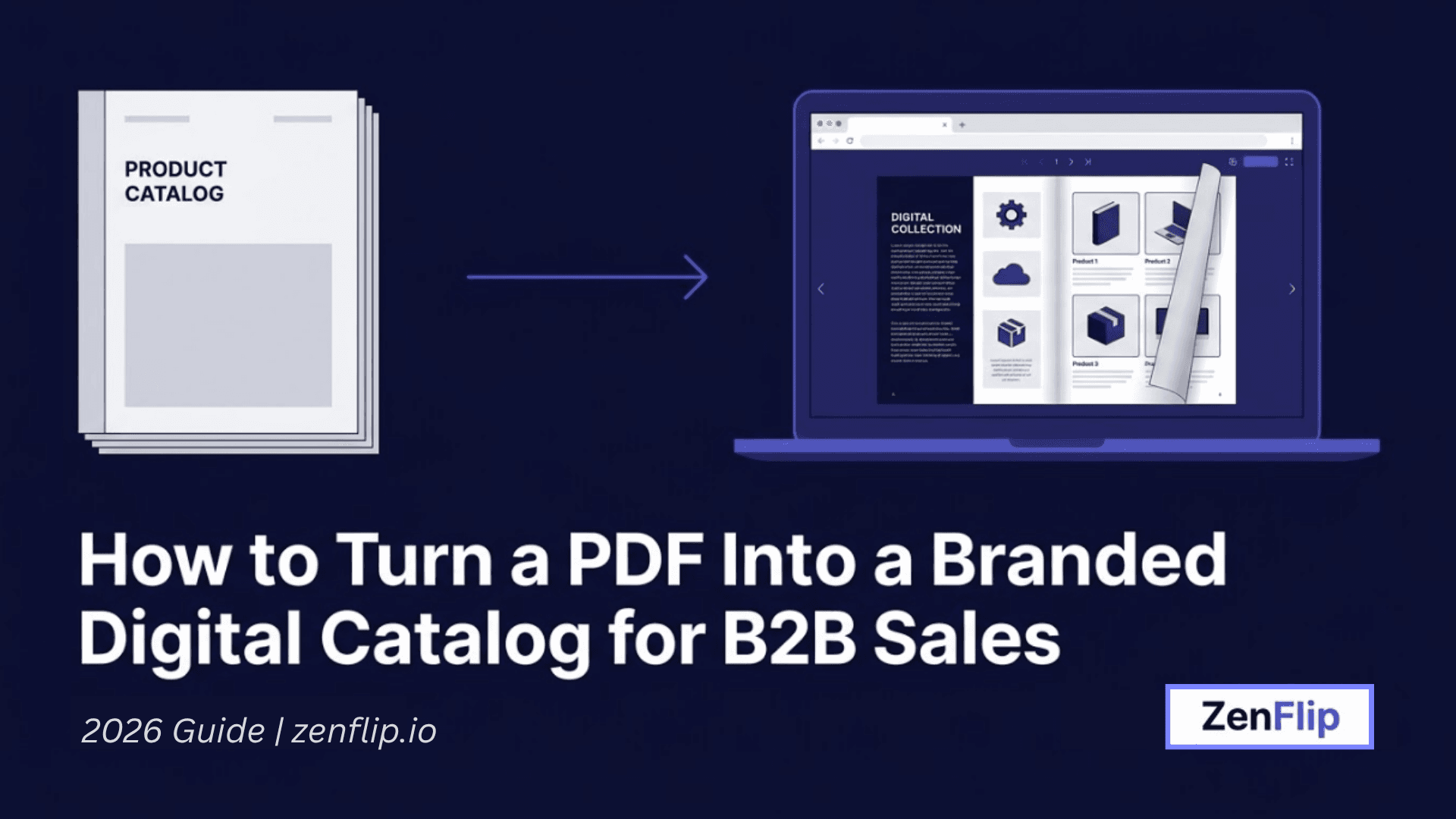
If your sales team is still sharing static PDFs with prospective buyers, you may be leaving real engagement opportunities untapped. Converting your PDF to a digital catalog could be one of the most practical upgrades a B2B brand can make to how it presents and distributes its products - and it tends to be more straightforward than most teams expect.
This guide covers why static PDFs often fall short in B2B sales, what makes a branded digital catalog different, and how a platform like Zenflip can help you make that shift without starting from scratch.
Why Static PDFs Often Fall Short for B2B Sales.
PDFs have long been the default for B2B product catalogs. They are easy to produce, easy to email, and display consistently across devices. However, there are real limitations that can reduce their effectiveness in modern B2B sales workflows.
Not discoverable online. A PDF attached to an email is invisible to search engines. The product details, specifications, and pricing tiers inside it cannot be indexed or found through organic search - which limits its reach beyond direct distribution.
Difficult to update. When product lines change or prices shift, a static PDF requires manual edits and redistribution. Buyers who downloaded an earlier version have no way of knowing the content has changed.
No engagement visibility. A standard PDF gives you no indication of whether a buyer opened the file, how long they spent on a specific product page, or which sections they revisited. That kind of behavioral data can be genuinely useful in longer B2B sales cycles.
Variable mobile experience. Many B2B buyers research products on mobile devices. PDFs typically require pinching and horizontal scrolling on smaller screens, which can make the browsing experience unnecessarily cumbersome.
The opportunity is in converting it into a format that works harder for your sales process.
Read: Interactive Flipbooks vs Static PDFs: Which Drives More Results?
What Is a Branded Digital Catalog?
A branded digital catalog is an online version of your product catalog that is interactive, searchable, and consistent with your visual identity. Rather than a static file, it becomes a hosted experience that buyers can access via a link, on any device, without downloading anything.
A flipbook product catalog is one of the most widely used formats: your PDF pages are rendered as a page-turning digital experience that feels closer to a branded microsite than a document. This format tends to hold attention longer than a standard PDF view, which can positively influence engagement signals that matter for B2B content performance in 2026 - particularly time-on-page and scroll depth.
For B2B companies with large product ranges, a searchable B2B catalog may offer particular value. Buyers can navigate directly to the product category or SKU they are looking for, rather than scrolling through every page manually - which can reduce drop-off and keep buyers engaged with the content longer.
Read: ZenFlip | Features | Custom Branding
How to Convert Your PDF to a Digital Catalog Using Zenflip
Zenflip is an online product catalog creator built for B2B businesses that want to convert existing PDF documents into branded, interactive digital catalogs. The process is generally designed to be accessible without requiring technical expertise or a development team.
Step 1 - Upload Your PDF
The starting point is your existing catalog PDF. Zenflip allows you to upload the file directly to the platform, which processes the content and prepares it for a digital catalog format. You do not need to redesign from scratch - your existing layouts and product imagery carry over.
Step 2 - Apply Your Brand Identity
Once your PDF is uploaded, you can configure the catalog to align with your brand - including colors, logo placement, cover styling, and navigation elements. A well-branded digital catalog tends to feel more credible to B2B buyers, particularly in sectors where how a brand presents itself can influence purchasing confidence.
Step 3 - Configure Interactive Features
As an interactive product catalog platform, Zenflip may offer options such as enabling in-catalog search, adding product links, configuring call-to-action elements, and setting access controls for specific buyer segments. These features can help shift the catalog from a passive document into something closer to a shoppable digital catalog - where buyers can take action directly from the content they are browsing.
Step 4 - Publish, Share, and Track
Once your catalog is ready, it can be published and shared via a direct link, embedded on your website, or distributed to buyer contacts. Because it is hosted digitally rather than attached as a file, you may have access to engagement tracking - including which pages received the most views and how long buyers spent with the content. This kind of data can help your sales team identify which buyers are actively evaluating and what they are most interested in.
Read: ZenFlip | How It Works
What to Look for in B2B Digital Catalog Software
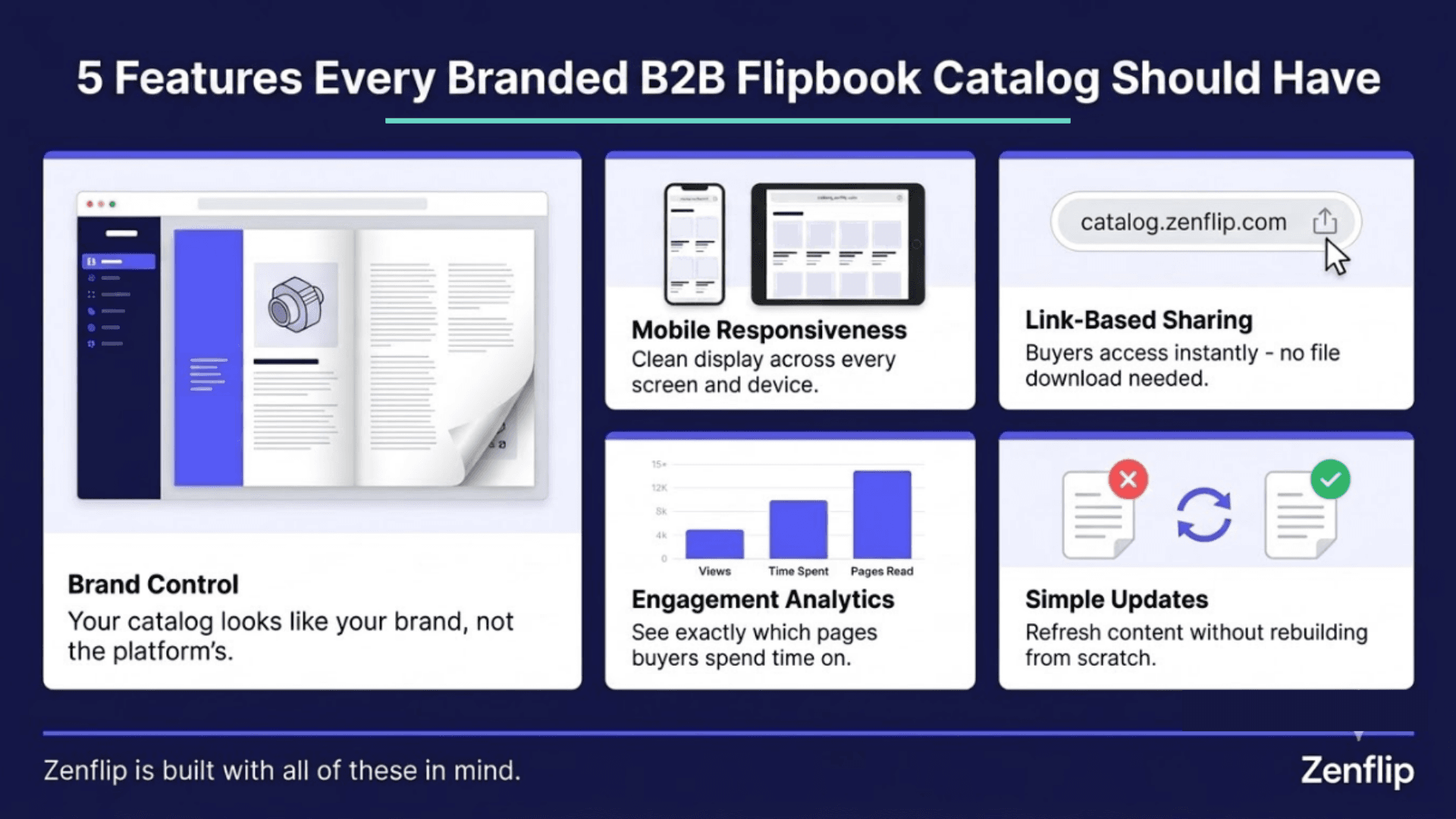
Not every digital catalog platform is built with B2B workflows in mind. When evaluating B2B digital catalog software, the following considerations tend to matter most:
Brand control. The catalog should look and feel like your brand, not the platform's.
Mobile responsiveness. The catalog needs to display cleanly on phones and tablets.
Link-based sharing. Buyers should be able to access the catalog without downloading a file.
Engagement analytics. Basic tracking helps sales teams understand buyer interest.
Simple updates. Refreshing catalog content should not require a full rebuild.
Zenflip is designed with these B2B requirements in mind, which may make it a practical choice if you are looking to convert PDF to interactive catalog without significant technical overhead. Read: How to Build a Branded Digital Publishing Platform and Sell Content Directly
Why a Digital Catalog Can Support the B2B Buyer Journey
B2B buyers - particularly in wholesale, manufacturing, and distribution - tend to do considerable independent research before engaging with a sales representative. A catalog that is easy to find, easy to browse, and easy to share internally within a buying organization can reduce friction during that pre-sales phase.
A shoppable digital catalog can take this a step further, allowing buyers to flag products, request a quote, or reach out to a sales contact directly from the catalog - potentially shortening the path from initial interest to conversation.
Zenflip is built to support this kind of workflow: from a buyer's first interaction with your catalog to a direct sales touchpoint, the platform is oriented toward how B2B purchasing actually tends to happen. Watch: Custom Branding | Zenflip Tutorial
A Practical Way to Start
If you are considering making the switch, a reasonable first step may be to identify one frequently shared product catalog and run it through the conversion process. Converting a single PDF to a digital catalog through Zenflip can give you a realistic picture of how the output looks and how buyers respond before committing to a broader rollout.
B2B brands can run a digital catalog alongside their existing PDF for a period - shifting buyer groups gradually based on what tends to perform better in their specific sales context.
Converting a PDF to a digital catalog for B2B sales can deliver returns across multiple areas at once - a better buyer experience, more consistent branding, and more actionable data for your sales team. Platforms like Zenflip exist to make that conversion accessible for businesses that do not have a dedicated development function.
If your B2B brand is still distributing static PDFs as its primary catalog format, exploring what an interactive product catalog platform could look like for your workflow may be a worthwhile step.
Watch: How to Publish Your First Flipbook on ZenFlip | PDF to Flipbook Tutorial
Frequently Asked Questions (FAQ)
What does it mean to convert a PDF to a digital catalog?
Converting a PDF to a digital catalog means transforming a static document into a hosted, interactive online experience. Instead of a file buyers download, the catalog becomes a link-based, browsable format - often with page-turning navigation, in-catalog search, and optional analytics.
Why might a digital catalog perform better than a PDF in B2B sales?
A digital catalog tends to be more discoverable, easier to update, more mobile-friendly, and more trackable than a static PDF. For B2B buyers who research independently before speaking with a sales team, a catalog that is easy to access and navigate could reduce friction in the pre-sales process.
What is Zenflip and how does it help with digital catalog creation?
Zenflip is an online product catalog creator and interactive product catalog platform built for B2B businesses. It allows companies to upload existing PDFs and convert them into branded, shareable digital catalogs - without requiring technical development resources.
What is a flipbook product catalog?
A flipbook product catalog is a digital format where your PDF pages are displayed as a page-turning interactive experience - similar to flipping through a physical catalog, but hosted online and accessible via a link on any device.
Can I update a digital catalog after publishing it?
One of the potential advantages of a digital catalog over a static PDF is the ability to update content without redistributing the file. Because it is hosted online, changes can be reflected for all buyers accessing the catalog link - though specific capabilities may vary by platform.
What features should I look for in B2B digital catalog software?
Key features to consider include in-catalog search, brand customization options, mobile responsiveness, link-based sharing, engagement analytics, and the ability to update content without a full rebuild. Zenflip is designed with these B2B requirements in mind.
What is a shoppable digital catalog?
A shoppable digital catalog is an interactive catalog that allows buyers to take action directly within the content - such as requesting a quote, contacting a sales representative, or flagging products of interest - rather than requiring a separate step to reach out.
#DigitalCatalog #B2BSales #PDFToDigitalCatalog #Zenflip #B2BMarketing #InteractiveCatalog #ProductCatalog #FlipbookCatalog #SalesEnablement #B2BDigitalTransformation
Turn your next PDF into a flipbook — free
No credit card, no watermarks, no time limits. 5 publications on the free plan — ready in under 2 minutes.