What to Look for in a Free Flipbook Maker in 2026 - A Guide for Interactive Publishing
Looking for the best free flipbook maker in 2026? This practical guide covers everything - from PDF to flipbook conversion and mobile-responsive output to accessibility features and embed support.
Written By: Jagadish C U (Founder Of Zentrovia Solutions)
Free Flipbook Maker 2026 - Introduction
Finding a reliable free flipbook maker in 2026 is not as straightforward as it used to be. There are more options available than ever, but the differences between them - in quality, output, features, and long-term usability - are significant enough to affect how your content performs and how your brand is perceived.
Whether you are a content creator, a small business, a non-profit, or a publisher just getting started with interactive digital content, this guide walks you through exactly what to look for before you commit to any free flipbook tool. The goal is not to help you pick the flashiest option - it is to help you pick the right one.
What Does a Free Flipbook Maker Actually Give You?
A free online flipbook maker typically lets you convert a PDF into a digital publication with a page-turn effect. That is the baseline. What separates a genuinely useful free flipbook tool from a limited one is what it does beyond that - how the output looks on mobile, whether it carries the platform's watermark, whether readers can interact with the content, and whether you have any control over where it lives online.
In 2026, the bar for what readers expect from digital content is higher. A basic PDF-to-flipbook free converter that produces a desktop-only, watermarked publication with no analytics is harder to justify when better free options exist. Knowing what to look for before you sign up saves you from building your content workflow around a tool you will outgrow quickly.
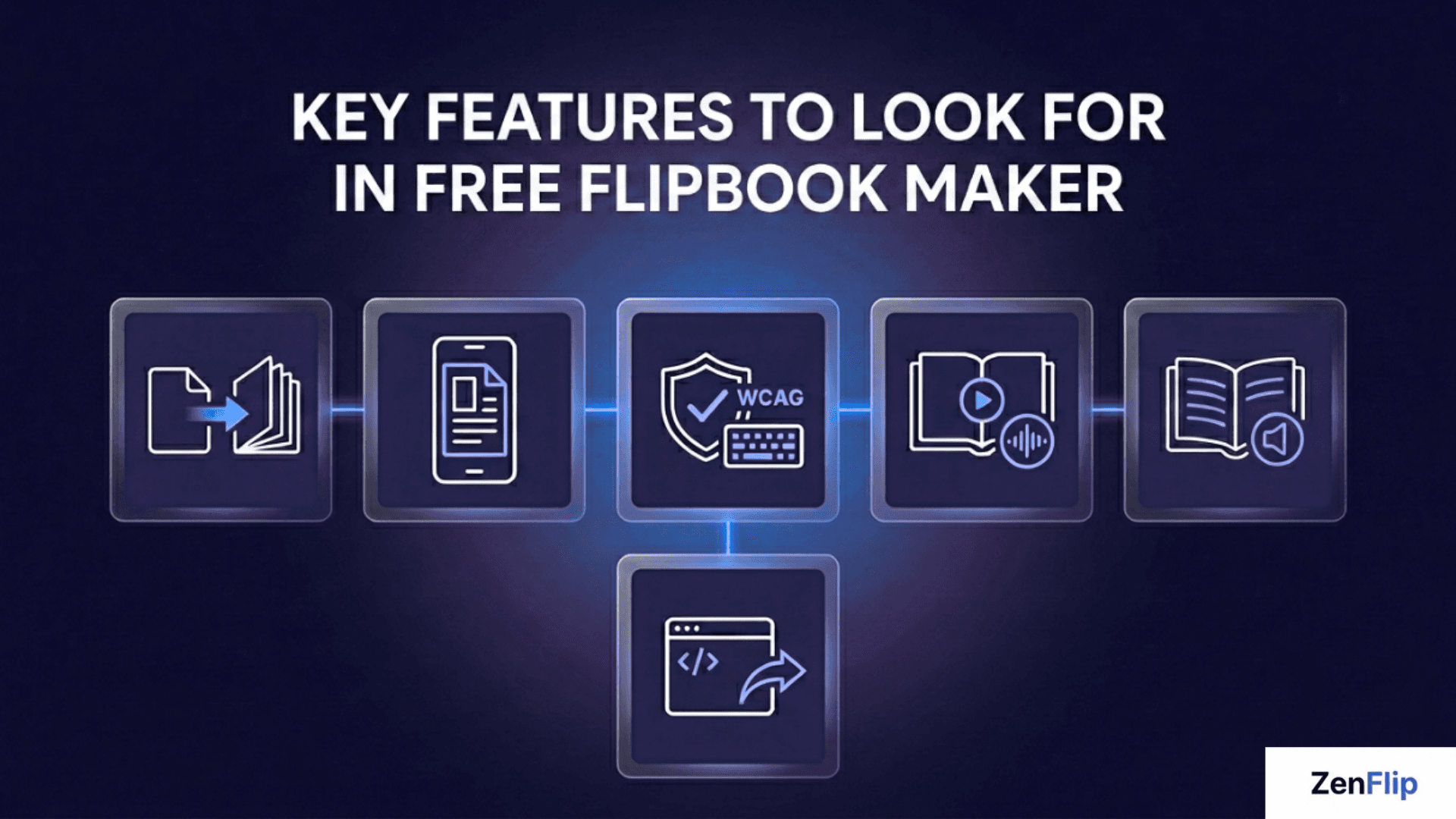
Key Features to Look for in a Free Flipbook Maker
PDF to Flipbook Conversion That Preserves Quality
The most fundamental feature of any free flipbook creator is clean, accurate PDF to flipbook conversion. The text in your source document should remain sharp and readable, images should not degrade, and the layout should transfer faithfully to the flipbook format.
When evaluating any free digital flipbook tool, upload a test document and check how it renders before you rely on it for anything important. Text clarity, image fidelity, and layout accuracy are non-negotiable.
Watch: How to Publish Your First Flipbook on ZenFlip | PDF to Flipbook Tutorial
Mobile-Responsive Output
A free flipbook that only works on desktop is not a usable free flipbook for business in 2026. The majority of digital content is accessed on mobile devices, which means your free online flipbook needs to render cleanly on phones and tablets - text reflows, images scale, and the reading experience feels native rather than shrunken.
Before committing to any free flipbook software, open a published flipbook on your own phone. If it requires pinching or horizontal scrolling to read, the tool has a fundamental limitation that no amount of other features can compensate for.
Read: Mobile Accessibility for Digital Publications: Touch Targets, Gestures, and WCAG
Accessibility Compliance
Accessibility is one of the most underrated features to check in a free flipbook maker - and one of the most important. A platform that produces WCAG-compliant output ensures your publications can be read by users who rely on screen readers, keyboard navigation, and assistive technologies.
This matters for two reasons. First, it broadens your audience. Second, for organisations publishing formal documents - reports, educational content, institutional communications - accessibility compliance is increasingly a baseline expectation rather than an optional extra.
Very few free flipbook tools include meaningful accessibility support. ZenFlip's free plan includes WCAG 2.2 AA compliance, keyboard navigation with over 15 shortcuts, screen reader support via ARIA, text-to-speech with word highlighting, ImmersiveReader with dyslexia support, and reduced motion support - all available without a paid subscription. For publishers who care about reaching every reader, this is a rare and genuinely valuable inclusion on a free tier.
Read: ZenFlip | Features | Accessibility
Interactive Elements
The best free flipbook maker in 2026 is one that goes beyond static page-turn animation. Interactive flipbooks - ones that support embedded links, video, audio, and image galleries - give readers something to engage with rather than just scroll past.
When comparing free flipbook software options, check whether interactive elements are available on the free plan or locked to paid tiers. A free online flipbook maker that supports basic interactivity out of the box is significantly more useful than one that treats every engaging feature as an upsell.
Read: 6 Best Flipbook Software 2026 [Free + Mobile]
Embed and Share Support
A free online flipbook maker should make it easy to get your content in front of readers - whether that means sharing a public link or embedding the flipbook directly into your website. These two features together cover most publishing workflows without requiring any technical setup.
Standard iframe embedding lets you place your flipbook on any webpage with a simple code snippet. Shareable public links let you distribute your publication via email, social media, or any other channel. Check that both are available on the free plan before you commit - some platforms restrict embedding to paid tiers.
Read: ZenFlip | Features | Embedding
What to Check Before You Sign Up for Any Free Flipbook Tool
Run through this checklist before committing to a free digital flipbook platform:
Does it convert PDFs cleanly without loss of quality?
Does the output work correctly on mobile without pinching or zooming?
Does the free plan include embed support and shareable public links?
Does it produce accessible output - WCAG compliance, screen reader support, keyboard navigation?
What are the publication and page limits on the free plan?
Does the platform provide any analytics on reader engagement?
Does the free plan include a platform watermark and is that acceptable for your use case?
Are interactive elements such as page-turn animations and zoom available on the free tier?
If the answers to any of these are unclear from the platform's documentation, that ambiguity is worth resolving before you start building.
ZenFlip - A Free Flipbook Tool Built for Interactive Publishing
ZenFlip offers a free flipbook maker with a set of features that is notably strong for a free tier. The free plan includes PDF to flipbook conversion with page-turn animations and scroll mode, a fullscreen viewer with zoom and text search, shareable public links, and standard iframe embedding for your website.
What sets ZenFlip's free plan apart is its accessibility offering. Full WCAG 2.2 AA compliance, keyboard navigation with over 15 shortcuts, screen reader support via ARIA, text-to-speech with word highlighting, ImmersiveReader with dyslexia support, and reduced motion support are all included at no cost - a level of accessibility that is rare in this category at any tier.
The free plan also includes basic page-level view tracking so you can see how readers are engaging with your publications, and access to ZenGuy AI with source citations.
For content creators and publishers looking to create flipbook online free with a genuine focus on reader accessibility and engagement, ZenFlip is a strong starting point.
Visit: zenflip.io
Flipbook Makers for Specific Use Cases: Educators, Nonprofits, and Freelancers
The decision of which free flipbook maker to use often comes down to the specific context you are publishing in. A freelance designer sharing portfolio work has different requirements from a nonprofit distributing an impact report, and both have different needs from a teacher creating course materials for students. Here is how a digital publishing tool fits each of these use cases in 2026.
Flipbook Maker for Educators and Teachers
For educational institutions, the key requirements from a flipbook tool are accessibility compliance, mobile-responsive output, and the ability to share publications via a link that works reliably across devices. Content that students can access through a school-issued device, a personal phone, or a library computer without installation or sign-in friction is significantly more usable than a downloadable PDF in a learning environment.
ZenFlip's free plan includes full WCAG 2.2 AA accessibility compliance - meaning publications built on the platform are screen-reader compatible, keyboard-navigable, and support assistive technologies including text-to-speech with word highlighting and ImmersiveReader with dyslexia support. For educational publishers whose student audiences include learners with disabilities or reading difficulties, this level of accessibility on a free plan is a practical advantage that most competing tools do not offer.
For institutions that need to publish multiple subjects or semester-level content at scale, upgrading to a paid plan is worth evaluating.
Flipbook Maker for Nonprofit Organizations:
The priority for most nonprofit organizations is professional presentation without platform branding. A fundraising report or donor update that carries a third-party watermark communicates the wrong signal to the audience it is trying to impress. ZenFlip's free plan keeps your page content clean — the ZenFlip branding appears on the viewer interface rather than stamped across your publication pages — which preserves the professional appearance of the document itself.
For nonprofits publishing content that touches public health, education, or government audiences, accessibility compliance is often more than a preference - it may be a formal requirement. ZenFlip's free plan includes WCAG 2.2 AA compliance out of the box, which means nonprofits in regulated or publicly funded contexts can publish accessible digital documents.
Flipbook Maker for Freelancers and Portfolio Publishing
Freelancers - designers, photographers, writers, consultants, and creative professionals - can use flipbooks as portfolio tools and client-facing deliverables. The requirements are specific: the output needs to look polished, it needs to work on any device the client opens it on, and it needs to share cleanly via a link with no friction for the recipient.
ZenFlip's free plan meets this bar for most portfolio use cases - the reading experience is clean and professional, the link works immediately in any browser without login, and the page content itself carries no watermark.
For freelancers sending proposals, case studies, or creative presentations to clients, the flipbook format is also significantly better than a PDF attachment in terms of client experience. A page-turning interactive document that opens instantly in a browser and works on mobile is a better first impression than a PDF that requires downloading and opens in a separate application.
For those publishing new work samples frequently or maintaining separate portfolios for different industries or service lines, the Creator plan offers upto 50 publications and adds additional analytics options.
Choosing the Right Free Flipbook Maker for Your Needs
The best free flipbook maker in 2026 is not necessarily the one with the most features - it is the one that covers your specific requirements without imposing limitations that get in the way of how you work.
For most publishers, the non-negotiables are clean PDF conversion, mobile-responsive output, and a watermark-free option. From there, custom domain support, interactivity, and analytics determine how much long-term value you get from the platform.
Take the time to test before you commit. Upload a real document, view it on a real device, and check that what you see reflects how your audience will experience your content. That test will tell you more than any feature list.
Read: 10 Must-Have Features in Any Flipbook Software You Buy in 2026
Explore More on ZenFlip
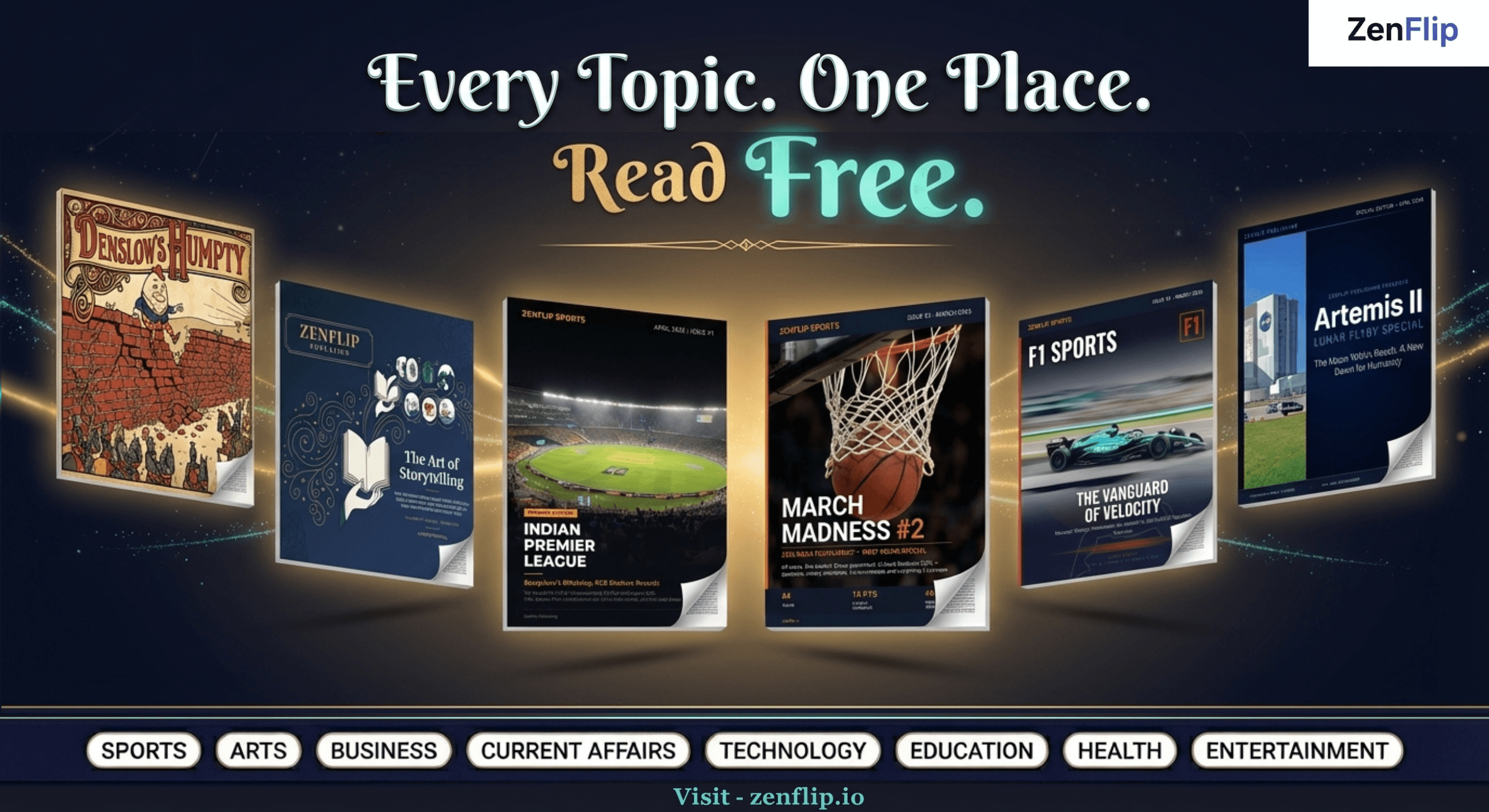
Looking for more insights on digital publishing, accessibility, sports, technology and more? The ZenFlip Library has you covered. Browse our full collection of free interactive magazines.
Every topic. One place. Read free at ZenFlip | Library
Frequently Asked Questions:
What is a free flipbook maker?
A free flipbook maker is an online tool that lets you convert a PDF into a digital publication with a page-turn effect, typically available without a subscription on a free plan. The features available on free plans vary significantly across different tools.
Can I use a free flipbook maker for business?
Yes, but it depends on the platform. For business use, the key things to check are whether the free plan includes watermark-free publishing, whether you have control over the publication URL, and whether the output works correctly on mobile. A free flipbook for business needs to look professional without third-party platform branding.
What is the difference between a free flipbook tool and a paid one?
Free plans typically include publication and page limits, platform watermarks, basic or no analytics, and limited branding control. Paid plans generally remove these restrictions and add features such as white label branding, custom domains, page-level analytics, and embedded interactive elements.
Do free flipbook makers support mobile?
Not all of them. Mobile-responsive output is a feature to check specifically - not all free online flipbook tools produce publications that render well on phones and tablets. Testing on a real mobile device before committing to a platform is the most reliable way to verify this.
What does flipbook maker no watermark mean?
It means the platform does not place its own branding on your published flipbook. Many free plans include a watermark - a badge or logo from the platform that appears on every publication. A flipbook maker with no watermark option gives you a cleaner, more professional output without third-party branding.
Is ZenFlip a free flipbook maker?
ZenFlip offers a free flipbook tool that lets you create interactive digital publications online. It is built for publishers who need more than a basic PDF converter - with mobile-responsive output, interactive elements, and a professional reading experience from the free plan.
#FreeFlipbookMaker #FlipbookSoftware #DigitalPublishing #InteractiveFlipbook #OnlineFlipbook #PDFToFlipbook #FreeDigitalPublishing #FlipbookCreator #InteractivePublishing #ZenFlip
Turn your next PDF into a flipbook — free
No credit card, no watermarks, no time limits. 5 publications on the free plan — ready in under 2 minutes.