Nonprofit Annual Report Flipbook: Show Donors Your Impact and See What They Read
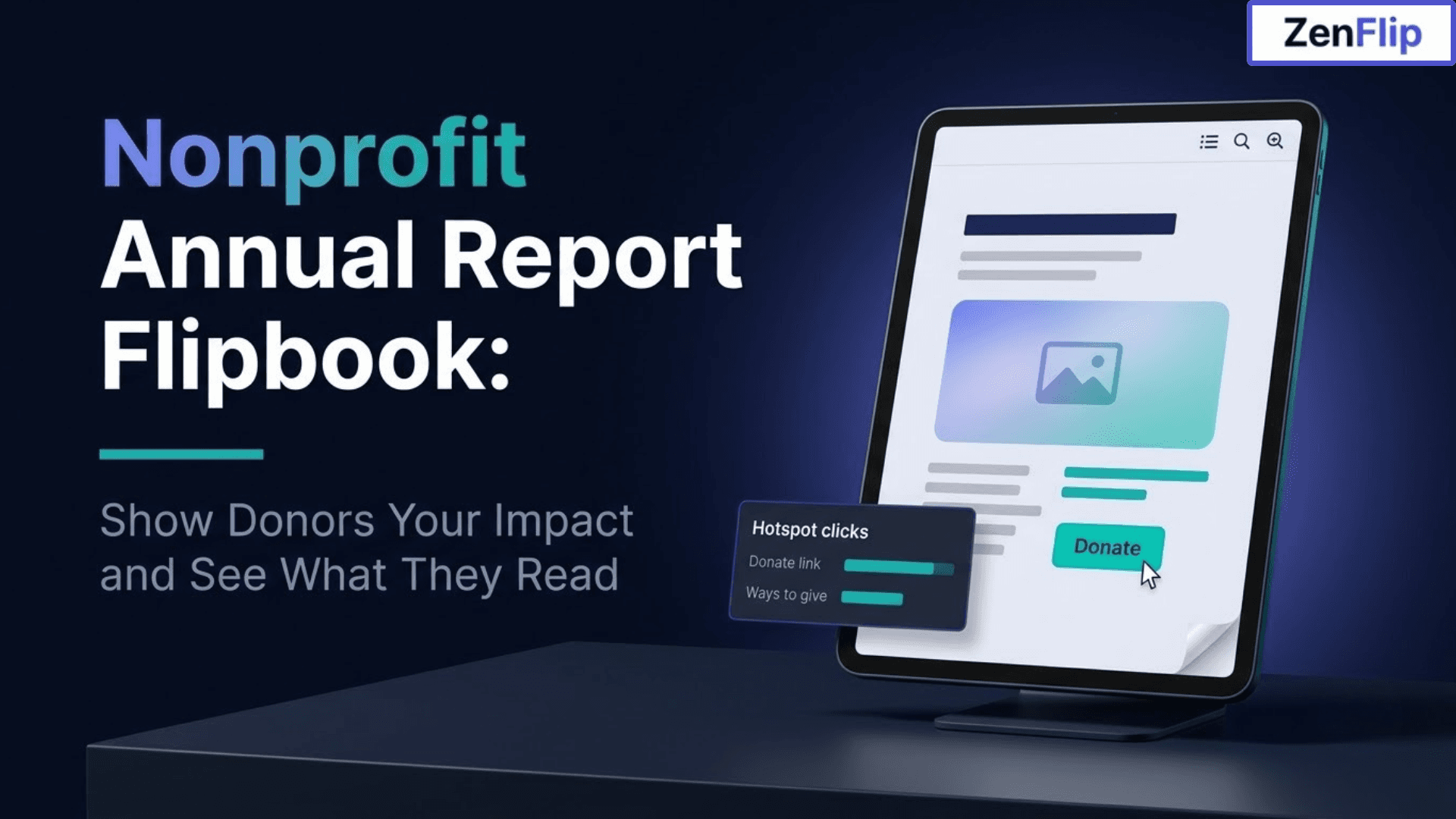
A nonprofit annual report flipbook helps donors see your impact and shows which program pages they read. Explore donate link embed, volunteer actions, engagement tracking, accessibility, and nonprofit purchasing with ZenFlip.
Written By: Jagadish C U (Founder Of Zentrovia Solutions)
The annual report goes out on Tuesday. By Friday the questions begin: did anyone open it, did the board reach the program pages, did a single donor get to the page where the giving link sits? With a PDF, the honest answer is often a shrug. A nonprofit annual report flipbook is one way to change that: the same report, published page by page, with links that can be counted and a reading record a development team can learn from. This guide shows where ZenFlip's tools may fit, from layout to purchasing, and what each cannot tell you.
What an Annual Report Has to Do for Donors, Boards and Funders
An annual report is read by more people than the one it is written for. A donor opens it asking what a gift made possible. A board member looks for whether the year matched the plan. A public funder may be checking delivery against a proposal, and a volunteer wants to know where help is needed. Four readers, four different first pages.
That spread of questions is the real design brief. No survey sits behind this framing, only reasoning about who picks up the report. We would suggest four jobs: show impact early, let each reader find their own section, offer a clear next step, and stay readable for everyone, including people using assistive technology.
Format matters mainly at the point of measurement. A PDF keeps a layout intact but does not report back. ZenFlip's annual report page notes that printed reports give no engagement data, and a PDF sent by email leaves a similar gap unless something counts the reading. A report with four jobs deserves a way to learn which one is working, and the sections below take them in turn.
Laying Out a Nonprofit Annual Report Flipbook Around Impact
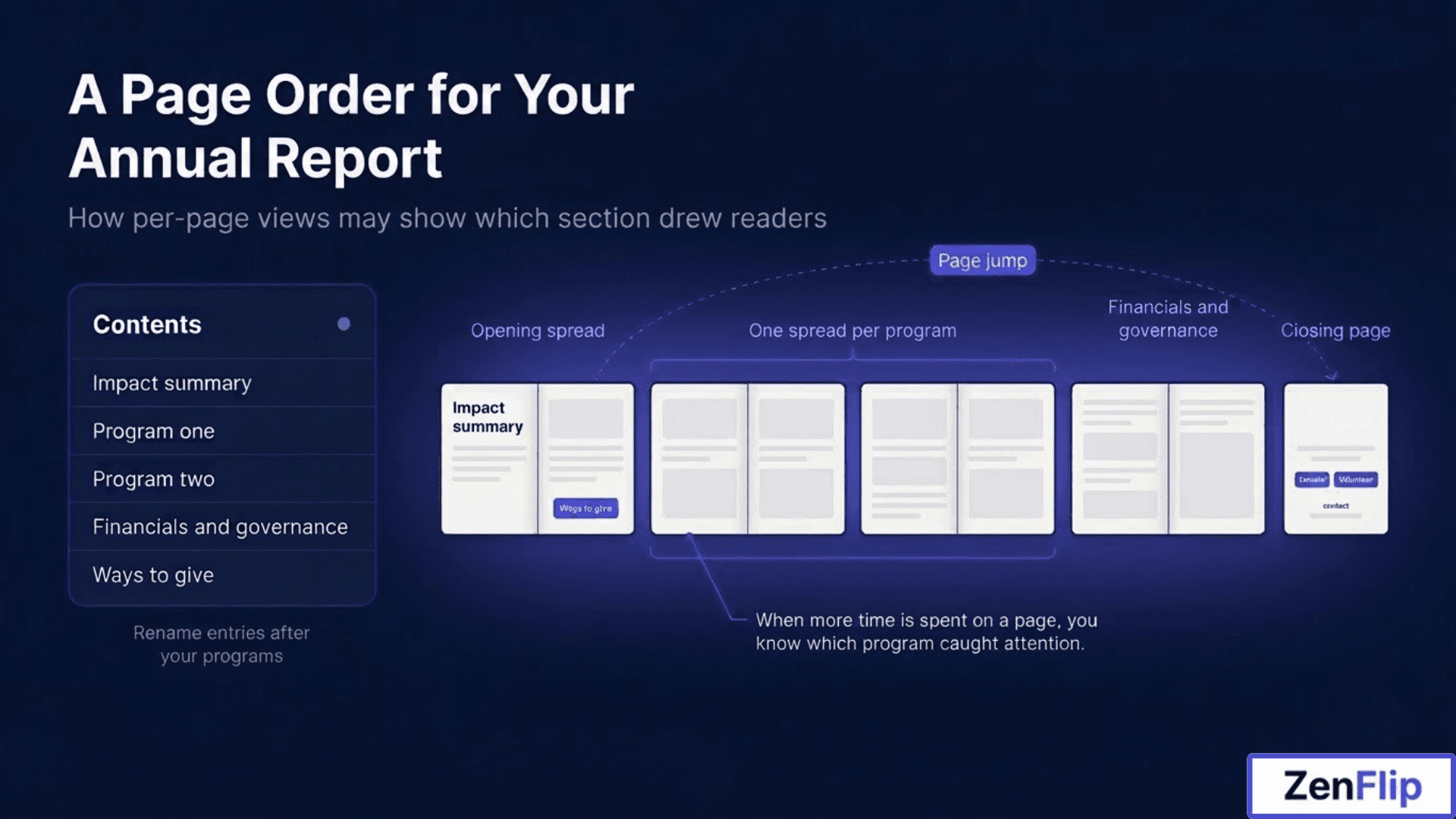
Because ZenFlip counts views per page, your page order doubles as your measurement plan. One running order that could work:
An opening spread with a short impact summary and a "Ways to give" link.
One spread per program, in the same order every year.
Financials and governance.
A closing page with the donate and volunteer links and your contact details.
One spread per program keeps the numbers readable: when a spread runs hot, you know which program caught attention. Name the contents entries after your programs too: ZenFlip's changelog says every flipbook gets a contents panel built from the PDF's bookmarks, or from AI analysis of heading sizes and page structure, and publishers can rename the entries. For a director's message, the editor lets you paste a YouTube or Vimeo URL onto a page, whereas the PDF guidance says media embedded inside a PDF does not carry over. Teams avoiding a blank file can browse the template library, which lists annual report layouts to customise.
Annual Report Flipbook
Pick one primary ask per spread and treat everything else as support.
The donate link
The editor supports clickable links on text or images, and real hyperlinks already in your PDF become link hotspots automatically. We would suggest one link beside the strongest story and one on the closing page, both pointing to your existing donation page. The gift is completed there, not inside the flipbook.
Volunteers
A link to your sign-up page is the lightest option. To collect interest inside the report, lead capture forms on Creator and above can appear before reading or on specific pages and collect name, email, company and phone, and Business plans can pass submissions to a CRM through Zapier. One catch: a required form blocks the report until submitted, so an optional form or plain link may suit a donor-facing report better. ZenFlip also lists page jump among its hotspot types, which could let the opening "Ways to give" link send readers to the closing page.
Measuring Reader Engagement in a Nonprofit Annual Report Flipbook
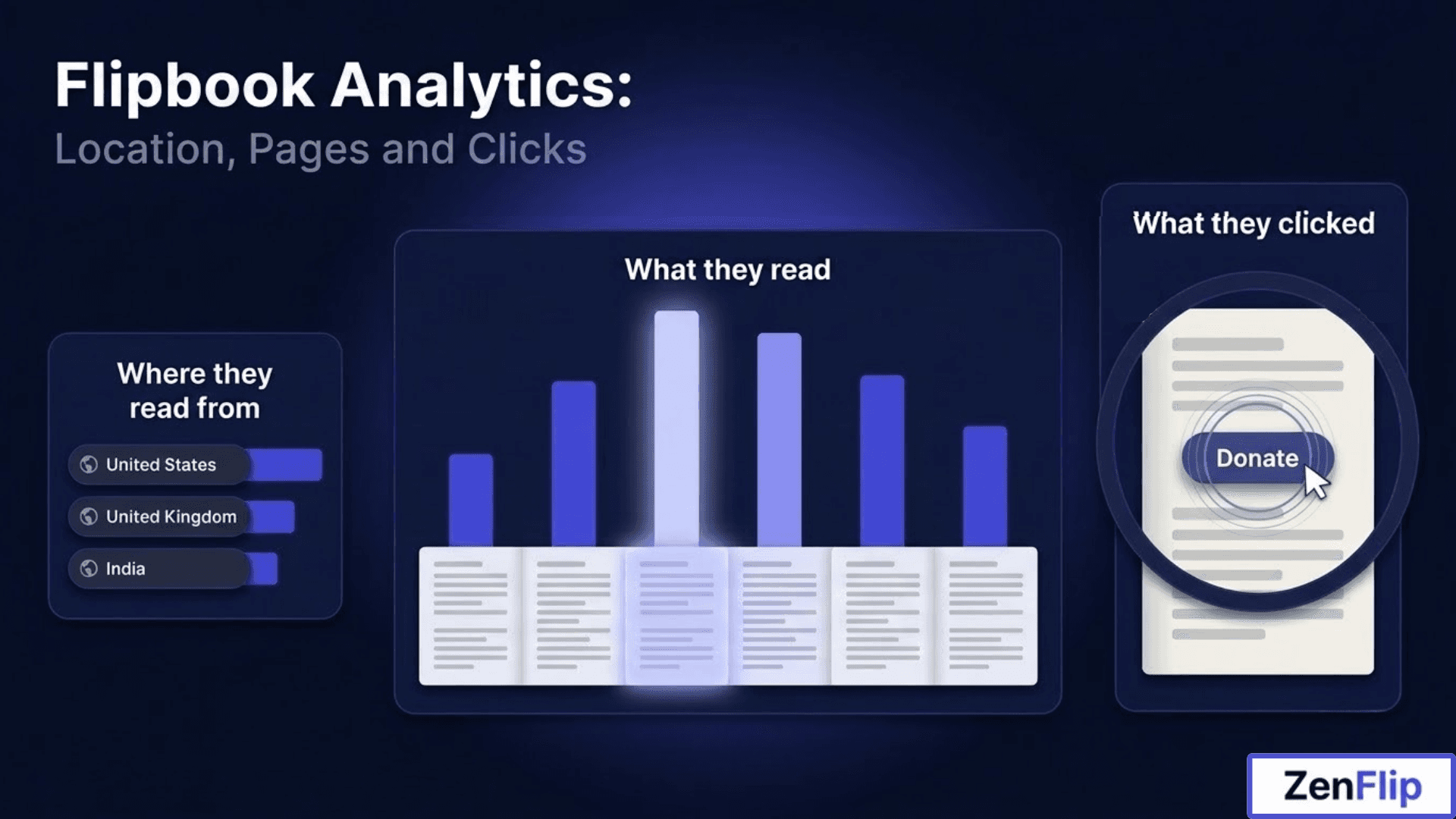
Picture the Monday after launch. Page views are included on every plan. Creator and above add time on page and a heatmap that can be switched between view count and time spent, which helps separate a spread that held readers from one they scrolled past.
The donate-link check
Then open the Hotspot Clicks report, which lists each hotspot readers clicked, its type, its page, its clicks and its separate readers, including links that came from your PDF. It is available on Creator and above, with three cautions:
The card appears only once a publication has at least one recorded click.
Recording began on 8 October 2026, so older publications start from zero.
A click shows interest, not a completed gift. Your donation platform measures that.
Where did readers come from?
Use differently tagged links for the donor email, the website and the board packet. ZenFlip supports UTM parameters on flipbook links; it has no direct Google Analytics integration, but UTM tags work with any analytics platform.
Accessibility and Procurement for Public Funders
Public funders may raise accessibility and purchasing questions. Which rules apply depends on your funding agreements and jurisdiction, so counsel and the agreement are the authority.
Accessibility evidence
ZenFlip states that its reader is built natively to WCAG 2.2 AA, with no third-party overlay, under a shared-responsibility model: the platform supplies the tools, while your source needs heading structure, alt text and sufficient contrast. ZenFlip's accessibility page adds that it extracts the text of every PDF page as an overlay for screen readers and, for tagged PDFs, also passes on headings, lists, tables and image descriptions. In an impact report, photographs and charts are the likely pressure points. AI Vision can suggest descriptions for image-heavy pages, which publishers edit per page, and a Text view offers the whole publication as one accessible page.
The paperwork
The procurement page lists an Accessibility Conformance Report on the ITI VPAT 2.5 International Edition, covering WCAG 2.2 AA, Revised Section 508 and EN 301 549, plus an accessibility statement, a security overview and a sub-processor list. ZenFlip adds that legal obligations rest with the organisation publishing the content.
Buying it the way nonprofits buy
The same page lists a Nonprofit option: 30% off any Creator or Business plan at every renewal for verified 501(c)(3) organisations and registered charities, paid by card or by quote and invoice. Purchase orders are accepted on net-30 terms by card, ACH or wire transfer, and ZenFlip can send a W-9 and complete vendor forms and security questionnaires on request. Under its Price Lock Pledge the price stays the same while you renew. The page also says ZenFlip is not yet on a cooperative purchasing contract.
A modest first test: publish one report with a donate link and read the first month of page and click data. The free plan includes 5 publications.
Frequently Asked Questions
What is a nonprofit annual report flipbook?
In this guide, an impact or annual report published as a digital publication with clickable actions and reader analytics, rather than only a PDF attachment.
What should a nonprofit annual report do for different readers?
Four jobs, as suggested here: show impact early, help each reader find their section, offer a clear next step and stay readable for everyone. This is reasoning, not survey data.
Is a PDF still fine for an annual report?
As a source file, yes. ZenFlip notes that printed reports give no engagement data, and a flipbook published from the same PDF adds page views and link clicks.
Can we see which program pages donors read?
Page-level views are on every plan; time on page and heatmaps come with Creator and above.
How do we add a donate link, and can we see clicks?
Add clickable links in the editor, or keep links already in the PDF. On Creator and above, the Hotspot Clicks report shows clicks and separate readers per hotspot, with recording from 8 October 2026. A click shows interest, not a completed gift.
Can we collect volunteer sign-ups?
Lead capture forms on Creator and above collect name, email, company and phone. A link to your sign-up page is another option.
Is the tracking privacy-friendly?
ZenFlip states that analytics use no cookies or browser fingerprinting and count visits rather than people. Linking events to signed-in readers on Business and Enterprise can be turned off per publication.
Which plan fits a nonprofit annual report flipbook?
Heatmaps, Hotspot Clicks, lead forms and password protection start on Creator. ZenFlip's annual report page recommends Business for a white-label viewer and custom domain.
#NonprofitAnnualReport #AnnualReportFlipbook #ImpactReport #DonorEngagement #NonprofitMarketing #DigitalAnnualReport #NonprofitFundraising #AccessibleReports
Turn your next PDF into a flipbook — free
No credit card, no time limits. 5 publications on the free plan — ready in under 2 minutes.