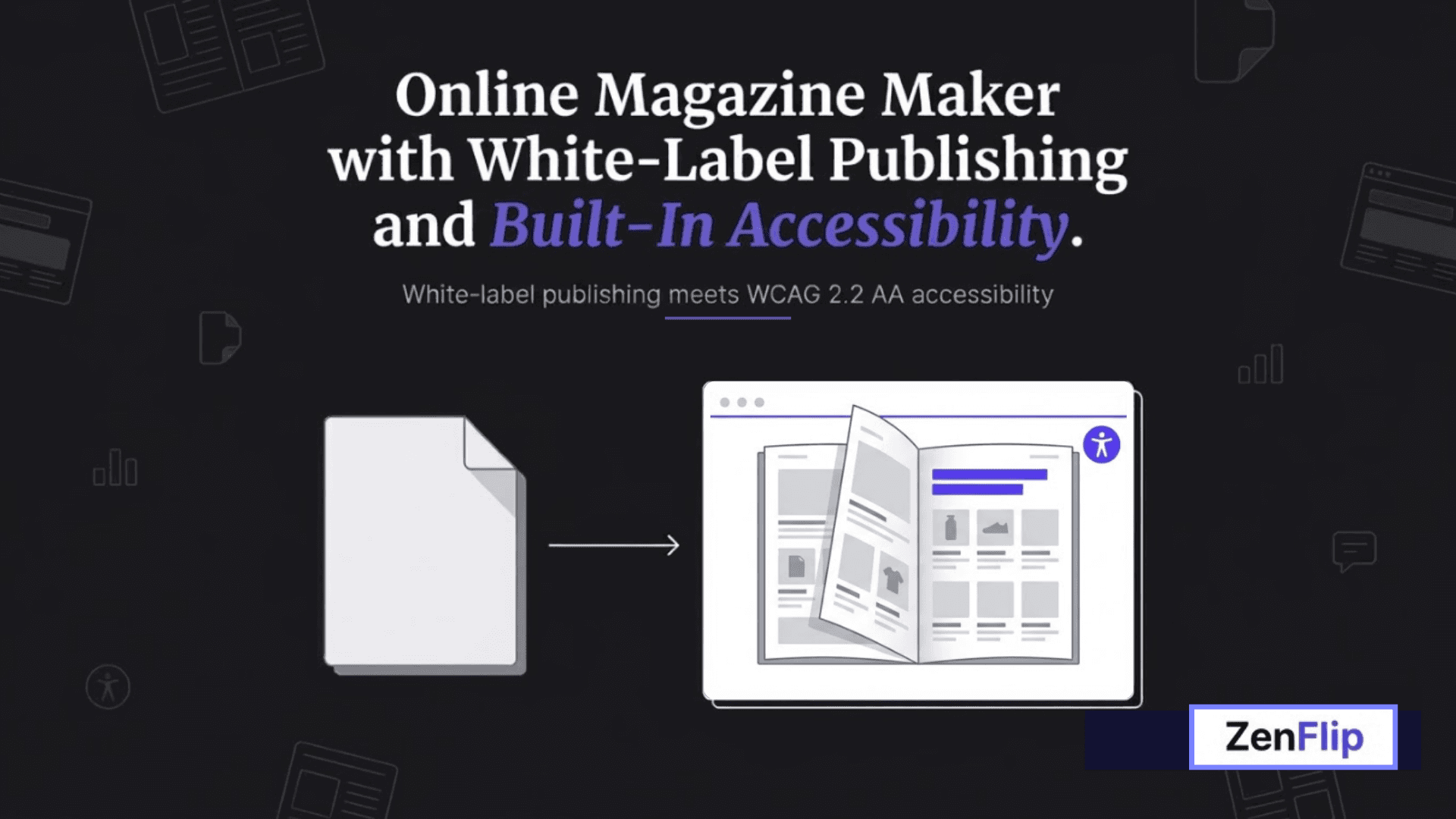
Online Magazine Maker with White-Label Publishing and Built-In Accessibility.
Turn a PDF into a branded online magazine with Zenflip's online magazine maker. Explore white-label publishing and accessibility-friendly reading, then start on Zenflip's free plan, no commitment required.
Written By: Jagadish C U (Founder Of Zentrovia Solutions)
If your team is still emailing PDFs to readers and hoping for the best, you are leaving a lot of engagement on the table. A static PDF cannot track who opened it, cannot adapt cleanly to a phone screen, and gives you no way to see which pages actually held someone's attention. Zenflip's online magazine maker was built to close that gap.
This guide walks through what Zenflip's online magazine maker actually does, how white-label publishing works on the platform, what "built-in accessibility" really means for your readers, and how to get started without spending anything.
Visit: ZenFlip | Digital Magazine Creator
Converting a PDF Into an Online Magazine
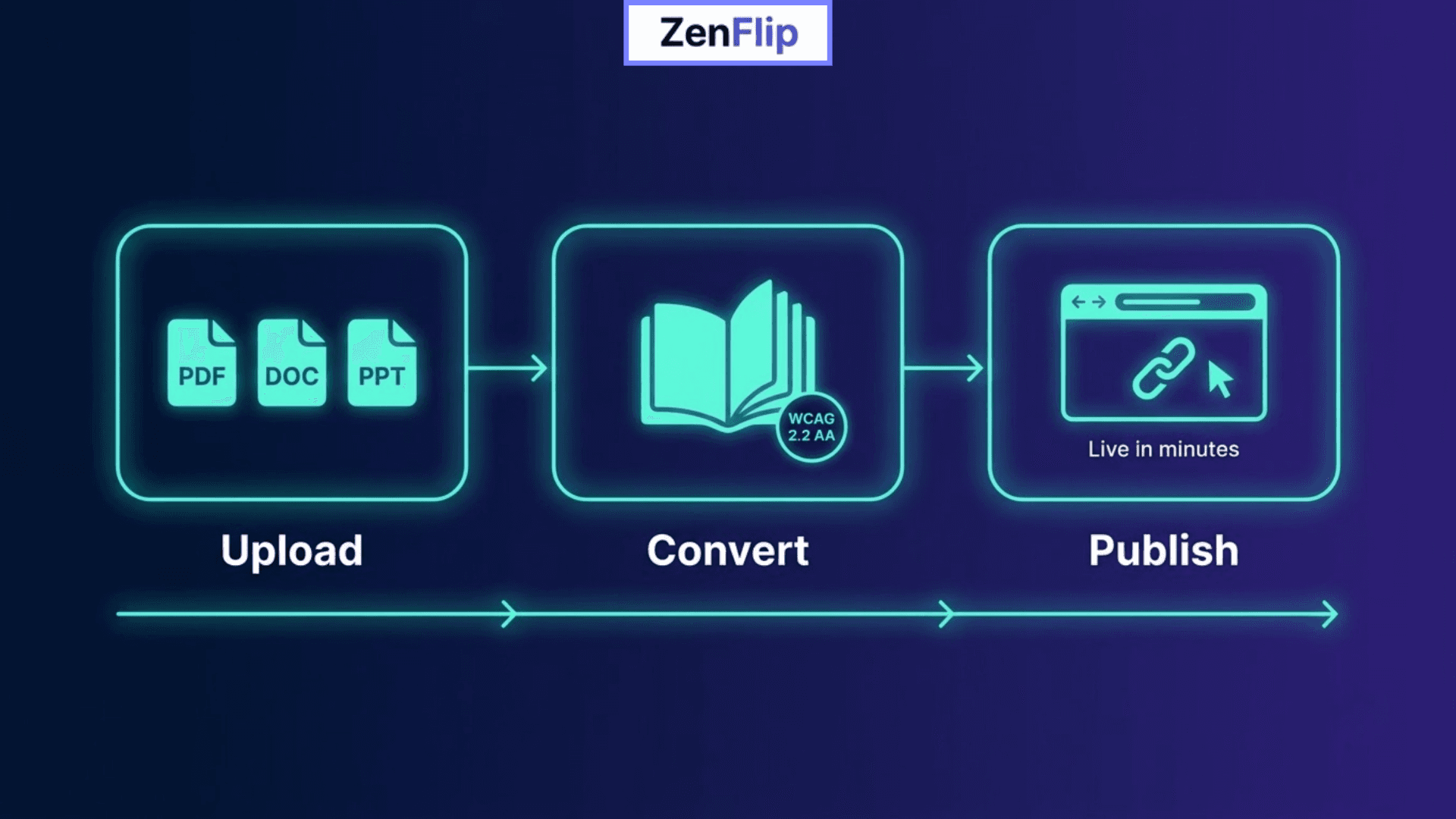
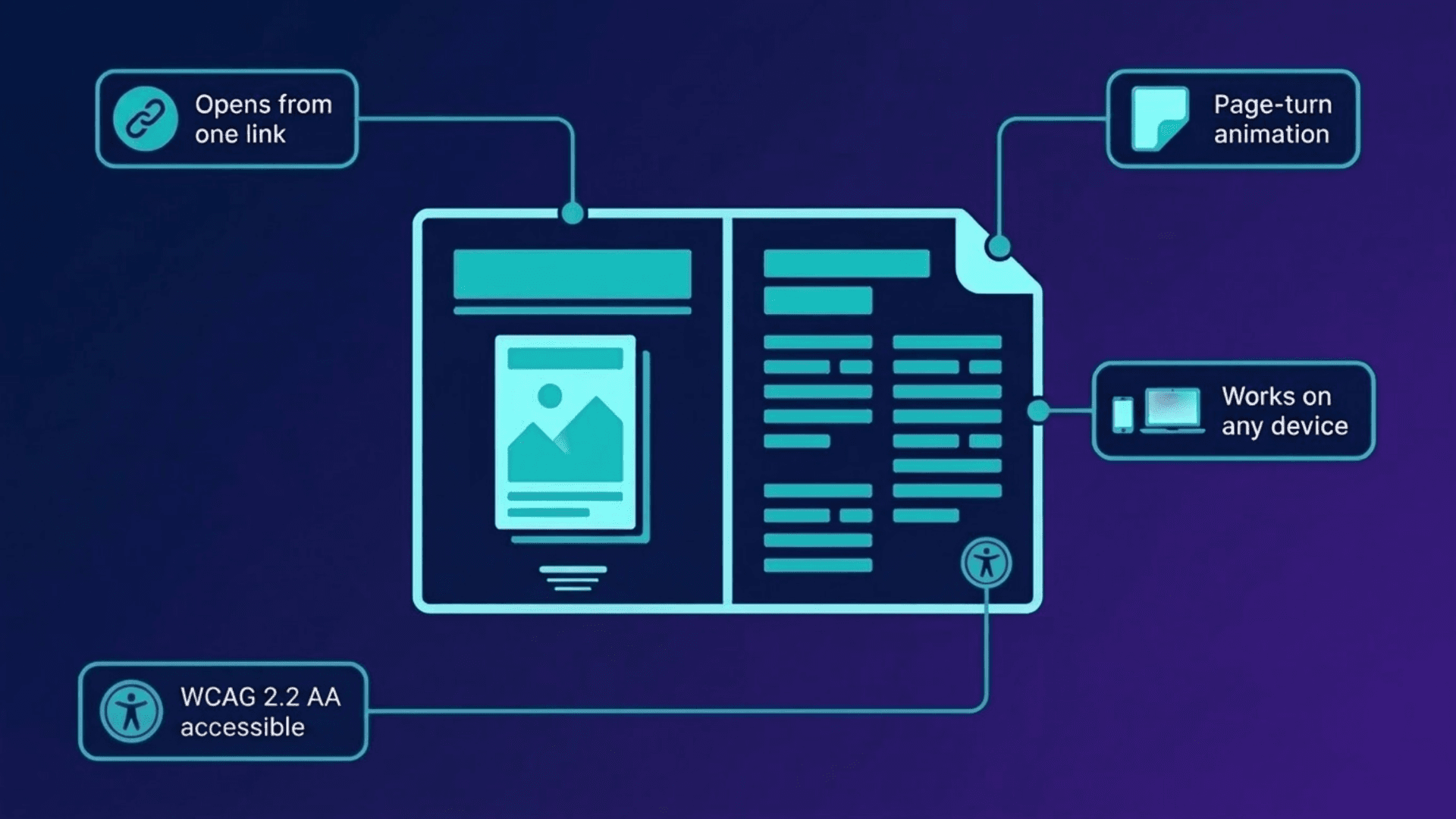
Upload a PDF, a Word file, or a PowerPoint deck, and Zenflip converts it into a page-turning digital magazine that opens from a single link, on any device. There is nothing to install on the reader's end. The conversion is built to handle documents up to 2,000 pages without a drop in quality, so the same process works whether you are publishing a short newsletter or a full annual report.
Unlike a single-column PDF, an online magazine built this way keeps a table of contents readers can jump from directly - tapping a headline in the contents list takes them straight to that feature, the same way flipping to a page number would in print. Multi-column layouts, pull quotes, and full-bleed spreads carry over from the source file rather than collapsing into a single reading column, so a magazine retains its visual rhythm on a phone screen the way a generic document conversion often doesn't.
The accessibility layer - keyboard navigation, ARIA roles, visible focus indicators, and a screen-reader-accessible text layer - is applied automatically at the same moment the flipbook is published, not as a separate step, and cannot be turned off (source: zenflip.io/en/how-it-works, FAQ: "How is WCAG 2.2 AA accessibility applied?"). For a recurring publication specifically, one detail matters more than it would for a one-off document: publishing a new issue later means uploading a new file version and republishing to the same URL, so a subscriber's bookmarked link or an embed on your website keeps pointing to the current issue without needing to be reshared each time
Read: ZenFlip | How It Works.
What Actually Makes a Magazine Different From a Flipbook
A flipbook and an online magazine run on the same underlying page-turn technology, but they tend to get used differently. A flipbook is often a single, self-contained document — a brochure, a report, a product catalogue — published once and left as-is. A magazine is usually issue-based: a new edition goes out on a schedule, with its own cover and its own set of features, and an expectation that readers will come back for the next one.
That distinction matters practically because of how updates work. Publishing a new issue means uploading a new file and republishing it - Zenflip keeps the same live URL when you do this, so a subscriber's saved link, an embed on your site, or a QR code printed on promotional material all continue pointing to whatever the current issue is, rather than breaking or needing to be reshared with every new edition. A single-use flipbook rarely needs this; a magazine depends on it every time a new issue goes out.
A Couple of Examples
A Design Studio's Quarterly Lookbook
Consider a small design studio that currently emails a static PDF lookbook to clients each quarter. The file typically has to be downloaded before it can be viewed properly, it can display differently depending on the device, and if a client has a question about a specific piece, that often turns into a separate email back and forth. There is also generally no way to know whether a client opened the file at all.
Uploading that same PDF to Zenflip could turn it into a link-based online magazine a client can open directly on a phone or laptop and page through more like an actual publication. If a client wants to know more about a specific design, they may be able to ask within the publication itself using ZenGuy, Zenflip's built-in AI chat, which is designed to answer based on the document's own content rather than requiring a follow-up email. The studio could also get a clearer sense of which pages clients spend the most time on through the built-in analytics, something a static PDF would not be able to show.
Read: ZenFlip | Use Case | Portfolio Maker
An Independent Magazine Publisher's Monthly Issue
Consider a small independent magazine that currently builds each issue as a print-style PDF and emails a download link to subscribers. Readers have to download the whole file before they can browse it, there's no way to see which features people actually read versus skip, and each issue exists as a disconnected file with no way to compare engagement from one month to the next.
Publishing each issue through Zenflip instead means readers open the current issue from one link rather than downloading anything, on a page-turning layout that supports up to 2,000 pages per issue if needed. Real-time analytics show total views, average time on page, and completion rate as soon as readers start opening the issue, along with a page-level heatmap showing which spreads held attention and which were skipped — data a static PDF download can't produce (source: zenflip.io/en/how-it-works, "Share and analyse" step). Because each new issue republishes to the same live URL, the publisher can compare one month's engagement against the last using the link subscribers already have bookmarked, rather than starting from zero with every new file.
From the Free Plan to Full Branding
What the Explorer Plan Includes
Zenflip's free Explorer plan keeps the platform's own branding in the viewer. That is a reasonable trade-off for a plan that costs nothing, and it still offers enough to get a genuine feel for how the product works before deciding whether to upgrade.
What Upgrading to Business Adds
Moving to the Business plan is designed to remove Zenflip's branding from the viewer entirely, so a publication can carry your own logo, colors, and a custom domain instead of any reference to Zenflip. Business also adds features like unlimited publications and full analytics with heatmaps, aimed at teams publishing more regularly rather than occasionally.
Visit: ZenFlip | Pricing Plan
Accessibility Built Into the Platform
Zenflip builds WCAG 2.2 AA compliance into every publication by default, including keyboard navigation and screen reader support, without needing separate configuration after a magazine goes live. For the full breakdown of what that means in practice, see Your Complete Guide to Accessible Digital Publications in 2026
More Than One Kind of Publication
"Online magazine maker" describes one use of the platform, but Zenflip can also be used for:
Product catalogs and lookbooks, annual reports, sales brochures, and newsletters.
Commercial publishers can use it for magazines, catalogs, and journals.
Associations and nonprofits can use it for newsletters and annual reports.
Real estate teams can use it for property brochures.
Retail brands can use it for product catalogs.
Government and public sector teams can use it for public reports, where the built-in accessibility compliance is particularly relevant.
Authors can use it for book previews, and education teams use it for course material.
For publishers running advertising, Zenflip supports native ad slots placed directly on a page, along with a branded advertiser portal where an advertiser can view their own campaign numbers, and an audit-ready revenue ledger for tracking billing periods.
Read: How to Build a Branded Digital Publishing Platform and Sell Content Directly
Understanding Reader Engagement
A PDF does not provide much information about what happens after it is opened. Zenflip includes page-level analytics, heatmaps, time spent per page, and completion rates, all of which can be exported as a CSV. On paid plans, lead capture forms can be added directly into a publication, with support for custom forms and Zapier webhooks to route captured leads elsewhere.
Read: ZenFlip | Features | Analytics
Controlling Access to a Publication
Publications can be set to public, private, or password-protected individually, and can be embedded on another website through an iframe or a JavaScript SDK rather than only living on a Zenflip-hosted link. This makes it possible to run a public magazine and a password-protected internal document through the same tool.
Getting Started
The free plan is a reasonable way to see how an online magazine maker fits an existing publishing workflow before committing to anything further. It takes a PDF, Word, or PowerPoint file you already have and converts it into a branded, accessible publication, with no credit card required to begin.
Visit: zenflip.io
Explore More on ZenFlip
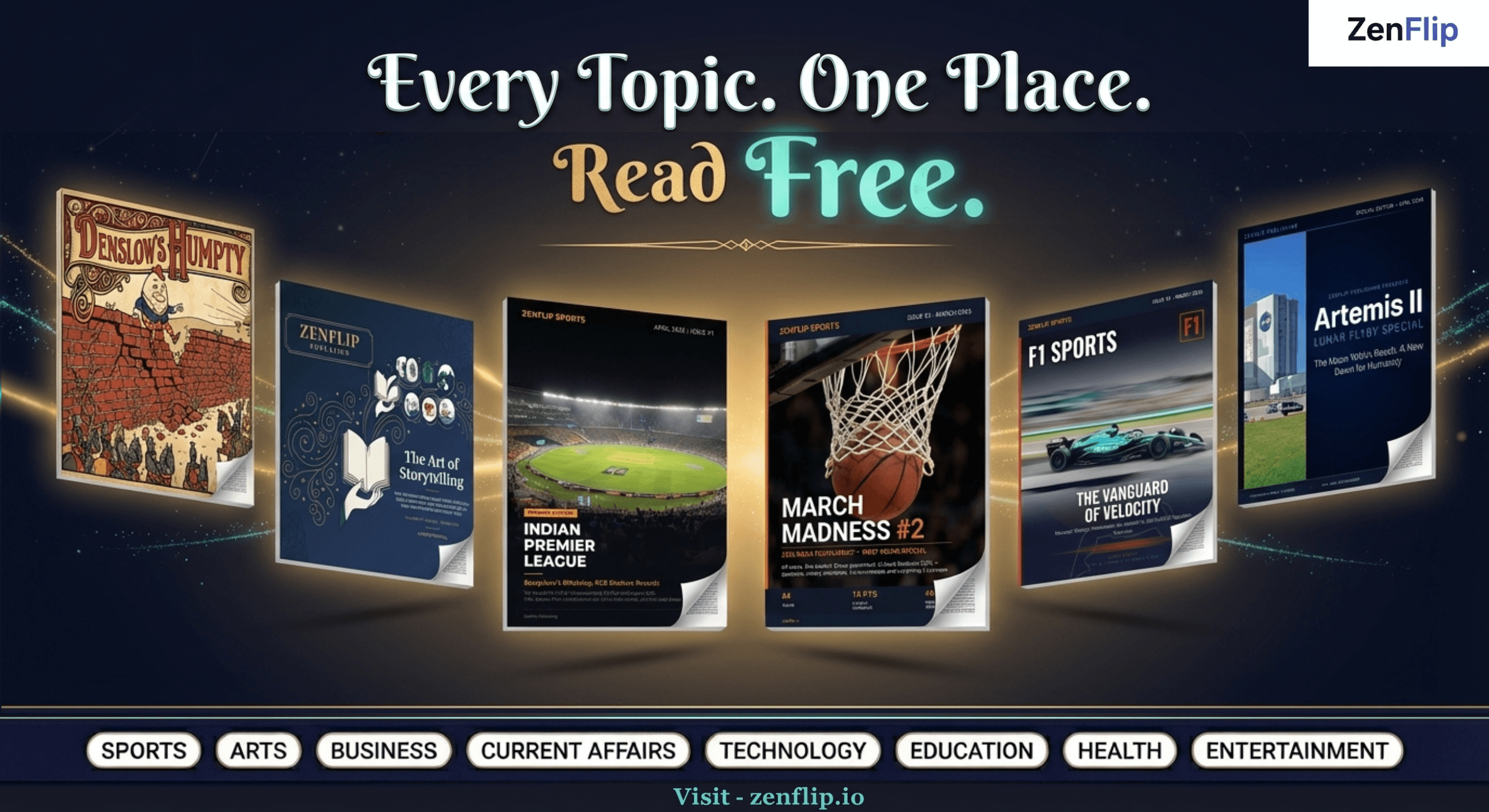
Looking for more insights on digital publishing, accessibility, sports, technology and more? The ZenFlip Library has you covered. Browse our full collection of free interactive magazines.
Every topic. One place. Read free at ZenFlip | Library
Frequently Asked Questions (FAQ)
Can I convert a PDF, Word, or PowerPoint file into an online magazine with Zenflip?
Yes. As covered above, Zenflip accepts PDF, Word (.docx), and PowerPoint (.pptx) files and converts each into a page-turning online magazine, handling documents up to 2,000 pages.
Will my online magazine show Zenflip's branding or mine?
It depends on the plan. As explained above, the free Explorer plan keeps standard Zenflip viewer branding, while paid plans remove Zenflip's branding so publications can carry your own logo, colors, and custom domain.
Does Zenflip's online magazine maker meet accessibility standards?
Yes. As stated above, WCAG 2.2 AA compliance is built into the platform by default, and every publication is designed to be keyboard navigable with full screen reader support.
Can I use Zenflip for things other than magazines, like catalogs or annual reports?
Yes. As mentioned above, Zenflip offers templates for digital magazines, product catalogs, annual reports, brochures, and newsletters.
Does Zenflip show me how readers engage with a publication?
Yes. As described above, Zenflip provides page-level analytics, including heatmaps, time spent per page, and completion rates, which can be exported as a CSV.
Is there a free way to try Zenflip's online magazine maker?
Yes. As covered above, the free Explorer plan includes 5 publications with up to 30 pages each, 50 MB file uploads, and 500 views per month, with no credit card required.
#OnlineMagazineMaker #WhiteLabelPublishing #DigitalPublishing #DigitalMagazine #AccessiblePublishing #Zenflip #PDFToMagazine #BrandedPublishing #InteractiveMagazine #DigitalPublishingTools
Turn your next PDF into a flipbook — free
No credit card, no watermarks, no time limits. 5 publications on the free plan — ready in under 2 minutes.