Digital Sports Magazine: The Complete Publishing Guide for 2026
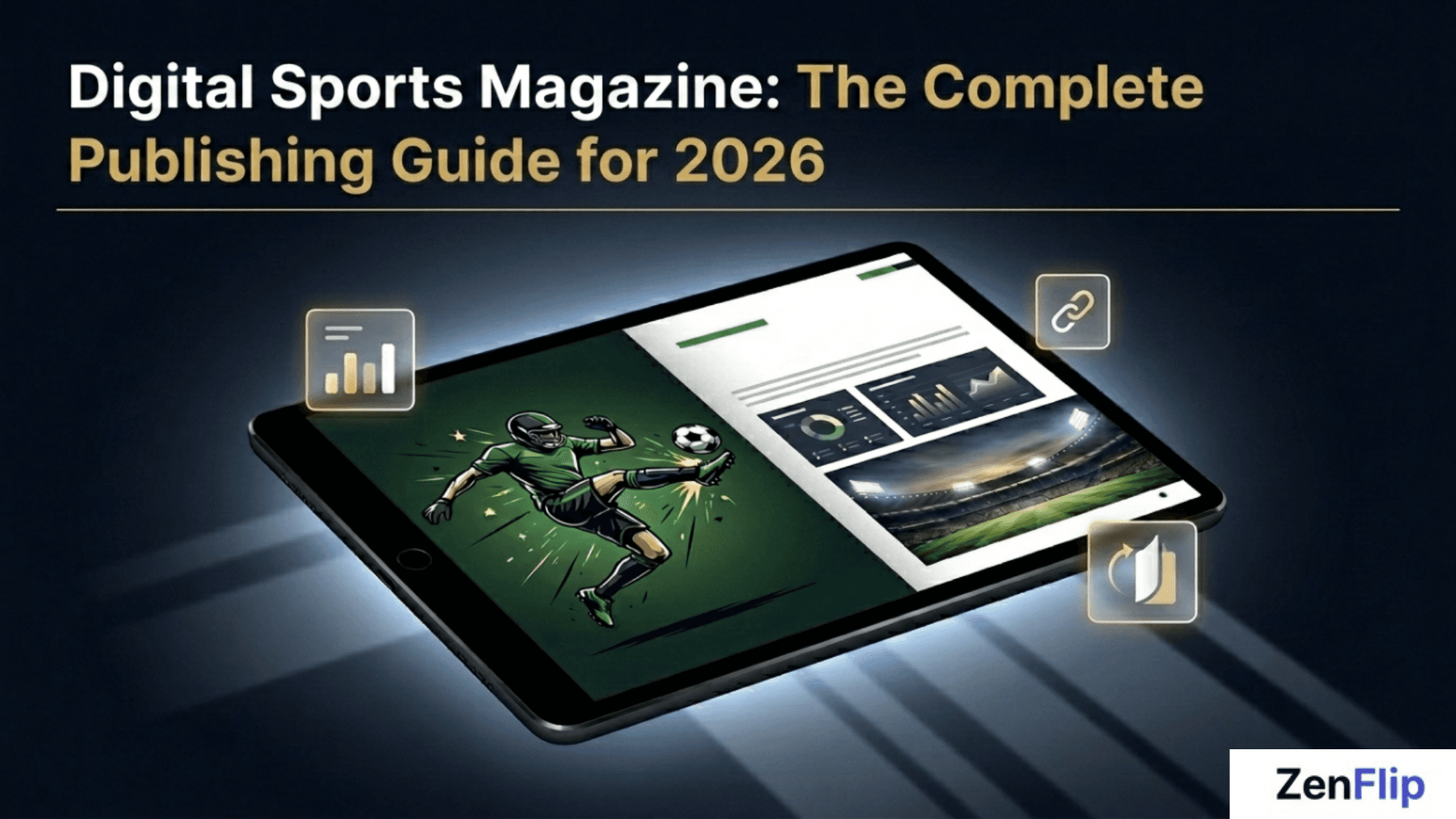
A complete guide to publishing digital sports magazine in 2026 - covering how to create an interactive sports magazine, convert PDFs to flipbooks, and publish online using platforms like ZenFlip.
Written By: Jagadish C U (Founder of Zentrovia Solutions)
How to Turn Fast-Paced Sports Content into Digital Magazines
Sports content moves fast. Match results, player stats, weekly recaps, tournament breakdowns - if your publishing workflow cannot keep pace, your audience moves on. Digital sports magazine software changes that by turning your existing documents into interactive, mobile-ready publications that are shareable, embeddable, and trackable without any technical setup.
This guide covers everything you need to know about how to create a digital sports magazine in 2026, what to look for in an online sports publishing platform, and why ZenFlip is built specifically for this kind of content.
What Is Digital Sports Magazine Software?
Digital sports magazine software converts a source file - typically a PDF or presentation - into an interactive flipbook that readers can browse on any device. The output behaves like a real magazine: pages turn, content is readable without zooming, and the publication opens directly in a browser with no download required.
The best platforms go further. They support embedding on websites, sharing via a single URL, and tracking how readers move through each page. For sports publishers producing weekly digests, match overviews, or seasonal reviews, these features are not optional extras - they are the foundation of an effective digital publishing workflow.
Read: Online Magazine Maker with White-Label Publishing and Built-In Accessibility.
Why Sports Content Works Well in Flipbook Format
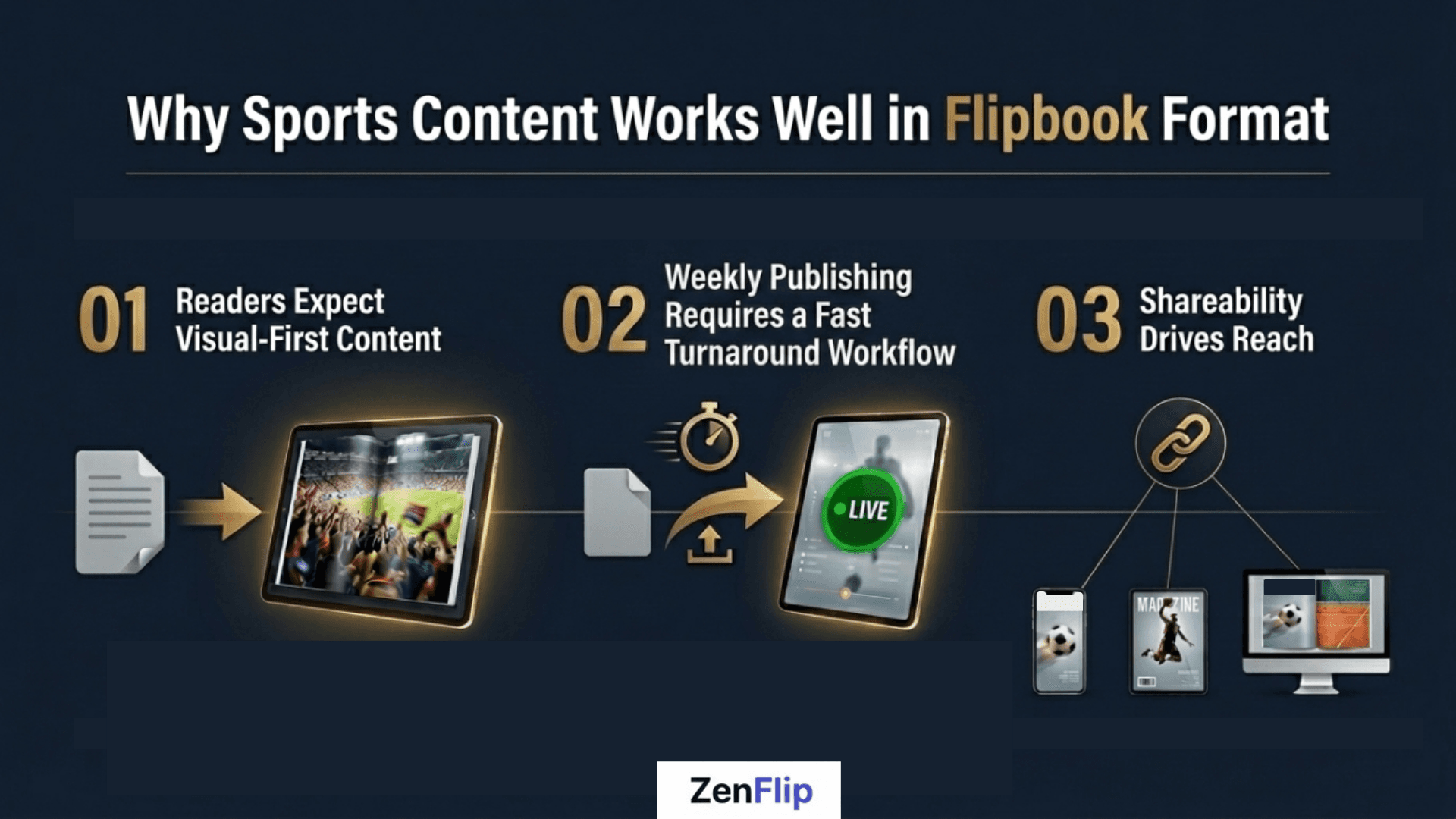
Readers Expect Visual-First Content
Sports audiences are accustomed to high-quality visual content. A static PDF does not meet that standard. An interactive sports magazine - with full-page spreads, readable typography, and smooth page transitions - presents the same content in a format that reflects the quality of the work behind it.
Weekly Publishing Requires a Fast Turnaround Workflow
If you are publishing a weekly sports digest or a match-by-match series, your workflow needs to support fast turnaround. The best digital sports magazine software accepts PDF and presentation files directly, converts them automatically, and has your publication live within minutes of upload.
Shareability Drives Reach
A link is easier to share than a file. An interactive sports magazine published on a platform like ZenFlip generates a direct URL and iframe embed code from the moment it is published. Your audience can open it on a phone, a tablet, or a desktop without installing anything.
Read: 10 Must-Have Features in Any Flipbook Software You Buy in 2026
How to Create a Digital Sports Magazine Using ZenFlip
ZenFlip is a digital publishing platform built for interactive flipbook creation. It accepts PDF and PowerPoint files directly, making it one of the most practical online sports publishing platforms available in 2026 for content creators who produce match recaps, player profiles, and tournament coverage.
Step 1: Prepare Your Source File
Design your sports magazine in any tool that exports to PDF or PPTX - Canva, Adobe InDesign, PowerPoint, or Google Slides. Export to PDF for the cleanest output. Ensure images are embedded and fonts are preserved before exporting.
Step 2: Upload to ZenFlip
Go to zenflip.io and create a free account. No credit card is required. The free plan supports up to five publications with up to 30 pages each. Upload your PDF and ZenFlip automatically extracts the text layer, performs semantic paragraph detection, and generates your interactive sports magazine without any manual configuration.
Step 3: Publish and Share
Once processing is complete, your publication is live. ZenFlip provides a direct shareable link and an iframe embed code. Share it on social media, embed it on your website, or send it directly to your audience. Every plan includes mobile-responsive output, WCAG 2.2 AA accessibility compliance, text-to-speech with word highlighting, screen reader support via ARIA live regions, Microsoft ImmersiveReader, and 15 or more keyboard shortcuts - all active by default.
Step 4: Track Engagement
The Creator plan at $15 per month adds 30-day page-level analytics, so you can see exactly which pages your readers spent the most time on. The Business plan at $39 per month adds heatmap analytics, white-label output, unlimited publications, and API access.
Read: How to convert a PDF to an interactive flipbook
Growing and Distributing Your Digital Sports Magazine Online
Publishing your sports magazine is the first step. Getting it in front of the right readers consistently is where an online sports publishing platform earns its keep.
Share via a direct link, anywhere.
Every ZenFlip publication generates a shareable URL from the moment it goes live. That link opens the full interactive sports magazine in any browser - no app, no download, no barrier between your audience and your content. For sports teams, clubs, and independent publishers, this means distributing a new edition is as simple as dropping a link into a social media post, an email newsletter, or a WhatsApp group.
Embed directly on your sports website or blog.
ZenFlip's iframe embed code places your interactive sports magazine inline on any page - WordPress, Webflow, Squarespace, or any platform that supports HTML. Readers browse the full flipbook without leaving your site, keeping your traffic where it belongs and reinforcing your brand as the destination for your sports coverage.
Use page-level data to improve every edition.
Sports audiences are loyal but impatient. If your match recap pages are holding attention and your preview sections are losing readers, that is something worth knowing before you publish your next issue. ZenFlip's time on page analytics show you exactly where engagement peaks and where it drops - giving your editorial team the data to sharpen what works and cut what does not.
Reach readers who use assistive technology.
Sports content is not just for one type of reader. WCAG 2.2 AA compliance, text-to-speech, and screen reader support mean your digital sports publication is as readable for someone using a screen reader on a phone as it is for someone browsing on a desktop. In 2026, accessible digital sports content reaches a wider audience - and signals the kind of publishing quality that builds long-term readership.
What to Look for in a Sports Magazine Maker

When evaluating flipbook software for sports publishing in 2026, these are the features that matter most:
Direct PDF and PPTX upload: Your workflow should not require additional conversion steps before uploading. The best platforms accept your source file as-is.
Mobile-responsive output by default: Sports audiences read on mobile. Mobile responsiveness should not be a paid feature.
Accessibility compliance: WCAG 2.2 AA compliance ensures your content is readable by the widest possible audience, including readers using assistive technology.
Page-level analytics: Knowing which pages performed best helps you improve each edition of your interactive sports magazine.
Shareability: A direct URL and embed code should come with every publication, regardless of plan.
ZenFlip includes all of the above. For sports publishers converting PDF to sports flipbook format on a regular publishing schedule, it is one of the most complete platforms available in 2026.
Check Out: ZenFlip | Features
Explore More on ZenFlip

Looking for more insights on digital publishing, accessibility, sports, technology and more? The ZenFlip Library has you covered. Browse our full collection of free interactive magazines.
Every topic. One place. Read free at ZenFlip | Library
Frequently Asked Questions:
What is digital sports magazine software?
Digital sports magazine software converts PDF or presentation files into interactive online flipbooks. Readers can browse pages on any device without downloading a file, and publishers can share content via a link or embed it on a website.
How do I create a digital sports magazine?
Design your magazine in any tool that exports to PDF, then upload it to a platform like ZenFlip. The platform converts it automatically into an interactive flipbook, ready to share within minutes of upload.
Can I convert a PDF to a sports flipbook for free?
Yes. ZenFlip's free plan supports up to five publications with up to 30 pages each. No credit card is required. Accessibility features, text-to-speech, and mobile-responsive output are all included on the free tier.
What accessibility features does ZenFlip include?
Every ZenFlip publication includes WCAG 2.2 AA accessibility compliance, screen reader support via ARIA live regions, text-to-speech with word highlighting, Microsoft ImmersiveReader with OpenDyslexic font support, and 15 or more keyboard shortcuts - all active by default on every plan including free.
What is the difference between the Creator and Business plans on ZenFlip?
The Creator plan a adds 30-day page-level analytics. The Business plan adds heatmap analytics, white-label output, unlimited publications, and API access.
Do I need technical skills to publish a digital sports magazine?
No. ZenFlip processes your file automatically after upload. No manual configuration, coding, or design work is required once your source file is ready.
#DigitalSportsMagazine #FlipbookSoftware2026 #InteractiveSportsMagazine #OnlineSportsPublishing #SportsMagazineMaker #DigitalPublishing #CreateSportsMagazine #ConvertPDFToFlipbook #SportsContentCreator #ZenFlip
Turn your next PDF into a flipbook — free
No credit card, no watermarks, no time limits. 5 publications on the free plan — ready in under 2 minutes.