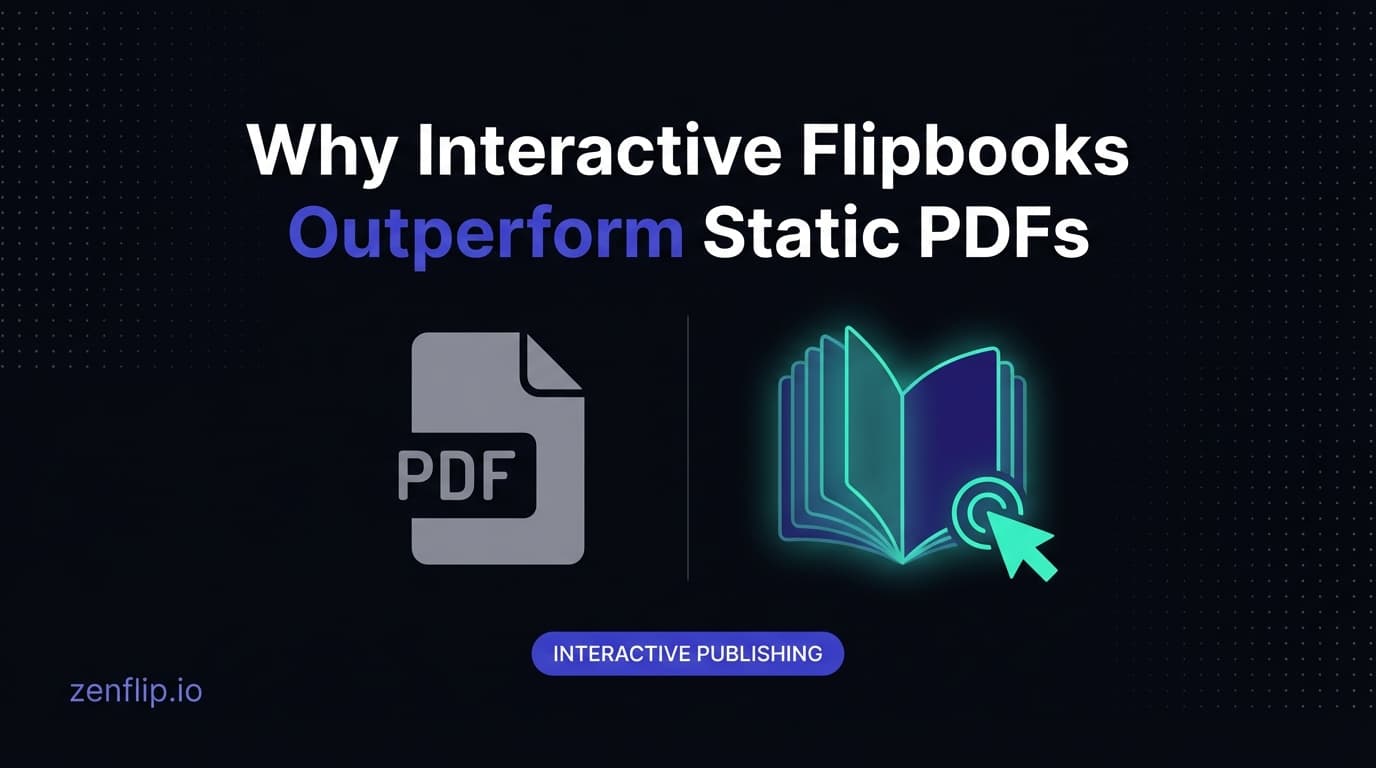
Why Interactive Flipbooks Outperform Static PDFs
Static PDFs get downloaded and forgotten. Interactive flipbooks get read, shared, and measured. Here's why the format shift matters for publishers and marketers.
Written By: Jagadish C U (Founder Of Zentrovia Solutions)
Why Interactive Flipbooks Outperform Static PDFs
PDFs have been the default format for sharing documents online for over three decades. They are reliable, universally supported, and easy to produce. But when it comes to engaging your audience, static PDFs fall short in ways that matter.
Interactive flipbooks solve the problems that PDFs create - and they do it without requiring your team to learn a new authoring tool. You keep designing in the tools you already use, and the flipbook layer adds the interactivity, analytics, and accessibility your audience expects.
The Download Problem
When you share a PDF, you are asking your reader to download a file before they can read it. That single extra step creates friction. Many readers on mobile devices will abandon the download entirely, especially if the file is large. Even those who do download it may never open it.
Flipbooks are hosted online and load instantly in any browser. There is no download, no special software, and no waiting. Readers click a link and start reading immediately.
Engagement You Can Measure
A PDF disappears the moment someone downloads it. You have no way of knowing whether they read page one or page fifty, whether they spent ten seconds or ten minutes, or whether they shared it with colleagues.
Flipbooks give you a complete analytics picture. You can track total views, unique readers, average time on each page, and geographic distribution. Page-level heatmaps show you exactly which content holds attention and which gets skipped. This data helps you make better content decisions with every publication.
Mobile-First Reading
PDFs were designed for print. They have fixed dimensions that do not adapt to smaller screens. Readers on phones and tablets are forced to pinch, zoom, and scroll horizontally - an experience that frustrates more than it informs.
Modern flipbooks are fully responsive. The content reflows to fit any screen size while preserving the visual design of the original document. Touch gestures and swipe navigation make reading on mobile feel natural rather than tedious.
Accessibility Built In
Most PDFs are not accessible. Screen readers struggle with complex layouts, images lack alt text, and navigation is often nonexistent. For organisations that need to meet WCAG compliance, PDFs are a liability.
ZenFlip flipbooks are built to WCAG 2.2 AA standards. Keyboard navigation, screen reader support, focus indicators, and proper heading structure are included by default. Accessibility is not an afterthought - it is part of the format.
SEO and Discoverability
PDF content is largely invisible to search engines. While Google can index some PDF text, the content does not benefit from structured markup, meta descriptions, or Open Graph tags. PDFs do not appear in rich search results.
Flipbooks are web pages. They can be indexed, shared with preview cards on social media, and linked with proper metadata. Every publication becomes a discoverable asset rather than a buried file.
Lead Capture at the Point of Engagement
A PDF cannot ask for a reader's contact details. You either gate the entire document behind a form (and lose the readers who will not fill it out) or you give it away with no way to follow up.
Flipbooks let you embed lead capture forms within the content itself. Show a form after a reader reaches a specific page, when they have already demonstrated interest. This approach captures higher-quality leads because the reader is engaged, not just curious.
The Business Case
The shift from PDFs to flipbooks is not about novelty. It is about measurable outcomes:
Higher read rates because there is no download barrier
Longer engagement because the reading experience is better
Actionable data because every interaction is tracked
Broader reach because mobile readers are not excluded
Better compliance because accessibility is built in
If your organisation publishes reports, brochures, catalogues, proposals, or any document meant to be read by others, the flipbook format delivers more value from the same content you are already producing.
Engagement Metrics: Flipbooks vs PDFs
The differences between flipbooks and static PDFs are not theoretical. They show up clearly in the numbers that matter to publishers and marketers.
Time on Page
A PDF download registers as a single event in your analytics. You know someone downloaded the file, but you have no idea whether they spent five seconds or fifty minutes with it. Flipbooks track session duration at the page level. You can see that readers spend an average of 45 seconds on your executive summary, two minutes on your product specifications, and skip your appendix entirely. This granularity changes how you create content because you learn what your audience actually reads.
Scroll Depth and Read Completion
PDF analytics tools can sometimes estimate whether a file was opened, but they cannot tell you how far someone read. Flipbook analytics show read depth as a percentage. You can see that 80% of readers make it past page three, but only 35% reach page ten. If you have a lead capture form on page eight, that information is critical for optimising placement.
Shareability
When someone wants to share a PDF, they need to download it first, then attach it to an email or upload it to a file sharing service. With a flipbook, sharing is a single click. Readers can copy a direct link, share to social media with a rich preview card, or forward the URL in a message. The reduced friction means your content gets shared more often, extending its reach without any additional effort from your team.
Bounce Rate and Abandonment
PDFs create a hard barrier to entry. The download step causes a measurable percentage of visitors to abandon before they ever see your content. Mobile users are particularly affected, as large PDF files can take significant time to download on cellular connections. Flipbooks eliminate this barrier entirely because they load in the browser like any other web page.
Geographic and Device Data
A downloaded PDF tells you nothing about who read it or where they are located. Flipbook analytics capture geographic data, device type, browser, and referring source. For organisations with international audiences or those running campaigns across multiple channels, this information helps attribute content performance to specific markets and distribution efforts.
Use Cases Where Flipbooks Shine
Product Catalogues
Product catalogues are inherently visual and browseable. Readers flip through, stop on items that interest them, and skip what does not apply. Heatmap data reveals which products attract attention — intelligence that a PDF download count cannot provide. Agencies managing seasonal lookbooks can update the same
URL with new content without breaking existing links. For businesses that refresh their catalogues quarterly or seasonally, this means every link shared with customers and partners always points to the current collection without any manual URL management.
Sales Proposals and Pitch Decks
A sales proposal sent as a flipbook tells the sender whether the prospect actually read it — and which sections they focused on. A PDF attachment offers no such insight. This data helps sales teams follow up with context instead of guessing. If a prospect spends eight minutes on your pricing page and thirty seconds on everything else, your team knows exactly where to focus the next conversation. The professional presentation of a flipbook also conveys a higher level of care and polish than an email attachment.
Annual Reports
Annual reports sit at the intersection of compliance, brand communication, and investor relations. They are long, they are dense, and they are read by audiences with very specific information needs - shareholders looking for financial highlights, journalists scanning for newsworthy figures, employees looking for strategy updates. A static PDF serves none of these readers particularly well.
Interactive annual report software addresses this directly. When an annual report is published as a flipbook rather than a PDF attachment, it becomes navigable, searchable, and measurable in ways that change how audiences engage with it.
ZenFlip includes a built-in table of contents and full-text search in every published flipbook, allowing readers to navigate directly to the sections most relevant to them rather than scrolling through a 100-page document linearly.
Page-level analytics show publishers exactly which sections of an annual report attracted the most attention: which financial tables held readers longest, which sections prompted return visits, and where readers dropped off. This data directly informs how future reports are structured and where emphasis should be placed.
For organisations that need to meet accessibility requirements in their annual reporting - increasingly mandated by regulators across Europe, North America, and Asia-Pacific - ZenFlip's WCAG 2.2 AA compliance, AI Vision Processing for automated image descriptions, and screen reader support via ARIA live regions mean that accessibility is built into the publication format rather than retrofitted after the fact.
Marketing Brochures
Brochures are designed to be visually engaging, and that visual design is often lost when viewed as a PDF on a small screen. Flipbooks preserve the intended layout while adapting to the reader's device. The page turning animation adds a tactile quality that makes the content feel polished. Combined with embedded lead capture forms, a flipbook brochure becomes a conversion tool rather than just a piece of collateral that sits in a downloads folder.
Training Materials and Onboarding Guides
Internal training documents distributed as flipbooks provide engagement data that helps L&D teams understand which sections employees spend time on and which get skipped. The built-in accessibility features ensure compliance with workplace accessibility requirements. With ZenFlip's AI Chat feature, employees can ask questions about the content and receive answers with page citations, turning a passive handbook into an interactive reference that reduces the load on HR and training teams.
Getting Started
Converting your first PDF to a flipbook takes less than two minutes with ZenFlip. Upload your file, customise the viewer settings, and share a link. Your audience gets a better reading experience, and you get the data to prove it.
For a detailed walkthrough, see our ZenFlip: The Complete Guide.
How to Convert Your PDFs to Interactive Flipbooks
Converting a PDF to a flipbook with ZenFlip is a straightforward process that takes less than two minutes. Upload your PDF file through the ZenFlip dashboard, and the platform automatically converts each page into an optimised, web-ready flipbook. You can then customise the viewer theme, add your branding, configure lead capture forms, and adjust privacy settings before publishing.
Once published, you get a shareable link and an embed code that you can use on your website, in emails, or across social media. The flipbook retains the visual fidelity of your original PDF while adding interactive navigation, responsive layout, and full analytics tracking. If you update the source document later, you can republish to the same URL so that every existing link and embed automatically reflects the latest version.
Frequently Asked Questions
Do I need to redesign my PDF to create a flipbook?
No. You upload your existing PDF as-is. The flipbook is generated from your source file automatically. No redesign, no new authoring tools.
Can readers still download the original PDF?
Yes. You can enable or disable PDF downloads per publication. Some publishers offer both the interactive flipbook and a downloadable PDF to give readers a choice.
How does flipbook analytics compare to PDF download tracking?
PDF tracking gives you one metric: download count. Flipbooks give you page-level views, time-on-page, heatmaps, geographic data, device breakdown, and campaign attribution via UTM parameters. The depth of insight is fundamentally different.
Are flipbooks accessible to people with disabilities?
ZenFlip flipbooks are designed for WCAG 2.2 AA accessibility. They include automatic text extraction, keyboard navigation (15+ shortcuts), screen reader support, text-to-speech with word highlighting, and ImmersiveReader with dyslexia support.
Do flipbooks work on all devices?
Yes. Modern flipbooks are fully responsive and work on desktop, tablet, and mobile browsers. Touch gestures, swipe navigation, and adaptive layout ensure a good experience on any screen size.
What happens to my existing PDF links if I switch to flipbooks?
Your existing PDF links continue to work. Flipbooks are published at their own URLs. You can gradually migrate by replacing PDF links with flipbook links as publications are converted.
Visit: https://zenflip.io/en
Turn your next PDF into a flipbook — free
No credit card, no watermarks, no time limits. 5 publications on the free plan — ready in under 2 minutes.