How to Turn Your Annual Report into an Interactive Flipbook
Transform your annual report into an interactive flipbook with Zenflip. Convert your PDF to flipbook format in minutes - engage stakeholders, boost readability, and publish your digital report effortlessly.
Written By: Jagadish C U (Founder Of Zentrovia Solutions)
Transform Your Annual Report into an Engaging Digital Flipbook
Annual reports are among the most important documents a business publishes each year. They communicate financial performance, strategic direction, and company values to stakeholders, investors, and the wider public. Yet most organisations still deliver them as flat, static PDFs - documents that are difficult to navigate and easy to overlook.
An interactive annual report changes that entirely. By converting your annual report into a flipbook, you transform a passive document into an engaging, navigable digital experience that stakeholders actually want to open, read, and share.
This guide walks you through the full process of creating a digital annual report using Zenflip - one of the most accessible online business report makers available today.
What Is an Interactive Annual Report?
An interactive annual report is a digital version of a traditional annual report that goes beyond static PDF pages. It typically features page-flip animations that mimic the feel of a physical document, clickable links to supporting content or contact details, mobile-responsive design that adapts to any screen size, and share and embed options for distribution across platforms.
Unlike a flat PDF, interactive document creation produces a report that is searchable, shareable, and built for the way people consume content in 2026. Readers can jump between sections, bookmark pages, and access your report on any device without needing to download a file.
Why Convert Your Annual Report into a Flipbook?
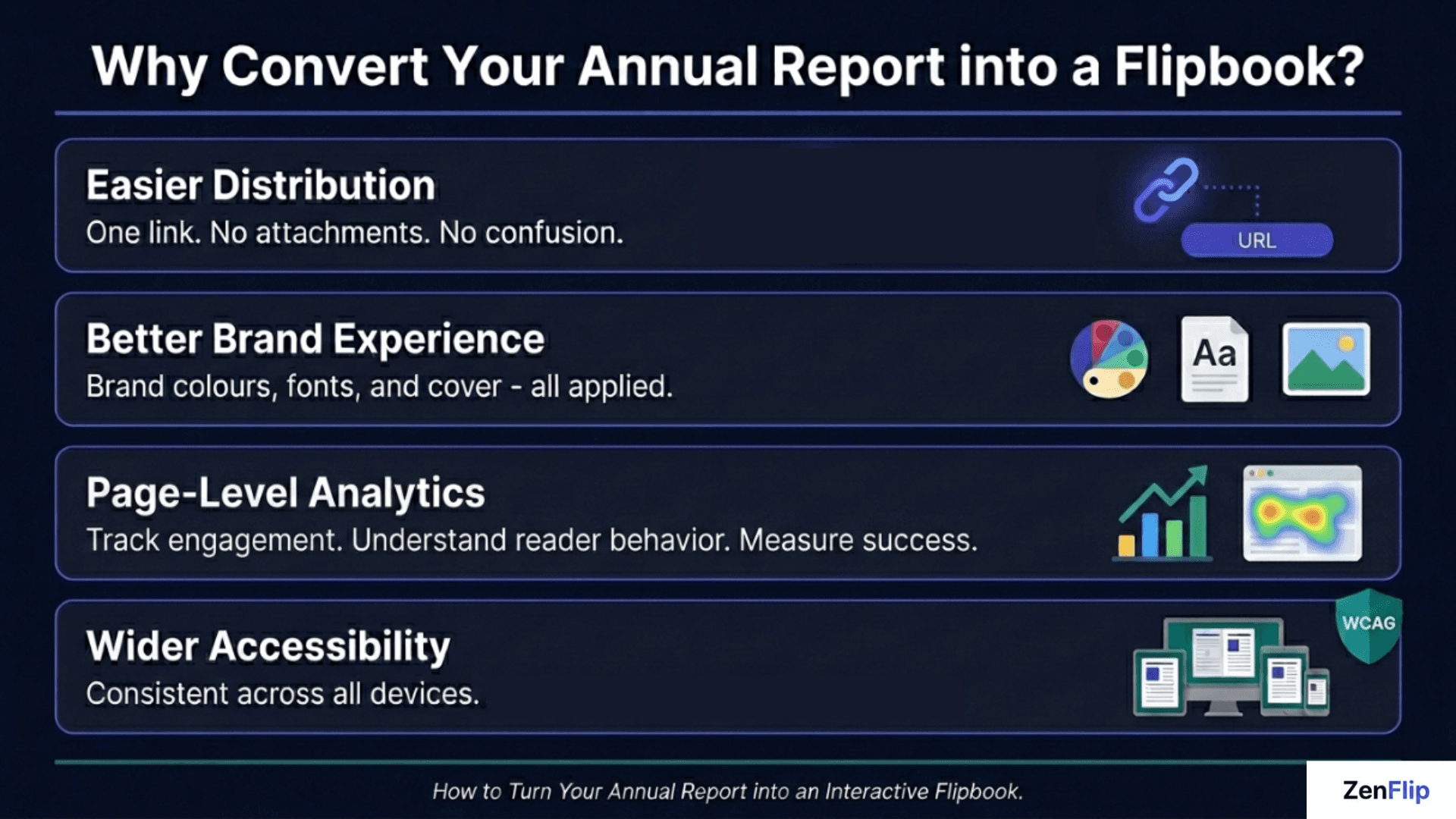
Stakeholders and investors engage with content digitally. A document that requires downloading, opening in a PDF reader, and scrolling through page after page creates unnecessary friction. An annual report flipbook removes that friction entirely. Converting standard PDFs into interactive flipbooks completely transforms how stakeholders view your annual reports. Not only does this format dramatically boost digital publication engagement through embedded media, but it also provides built-in page-level analytics so you know exactly which financial sections investors are reading most. Furthermore, this interactive shift ensures your reports meet modern document accessibility requirements, making your data inclusive and easy to navigate for everyone.
Here is why more organisations are making the switch to a digital annual report format.
Easier distribution - When you publish digital report content as a flipbook, you share it via a single link. No file attachments, no size limits, no version confusion.
Better brand experience - Zenflip allows you to apply your brand colours, cover image, and fonts so the final output reflects your identity from first impression to last page.
Improved navigation - Readers can jump to specific sections, search for terms, and move between pages intuitively - features a static PDF simply cannot offer.
Wider accessibility - Digital annual report design supports consistent rendering across devices and enables better compliance with accessibility standards than a print-focused PDF.
How to Convert PDF to Flipbook Using Zenflip
Zenflip is built to make the process of converting a PDF into an interactive annual report as smooth as possible. Here is how it works.
Step 1 - Prepare Your PDF
Before uploading, ensure your annual report PDF is finalised and well-structured. Use clear headings, consistent fonts, and high-resolution images. A clean, organised PDF will translate directly into a well-designed flipbook.
Step 2 - Upload to Zenflip
Visit Zenflip and upload your PDF through the dashboard. Zenflip processes the file and converts each page into a high-quality digital format that renders accurately across all devices.
Step 3 - Customise Your Flipbook
Once uploaded, apply your brand identity. This includes setting a cover image, adjusting background style, selecting brand colours, and choosing a page-turn animation. Zenflip's digital annual report design tools make it straightforward to align the final result with your visual guidelines.
Step 4 - Add Interactive Elements
Zenflip allows you to embed clickable links within flipbook pages. Financial figures can link to supporting data, contact sections can link to email addresses, and strategic highlights can connect readers to your website - turning a static report into a genuinely interactive document.
Step 5 - Publish and Share
Once your interactive annual report is ready, publish it to a unique URL. Share the link via email, embed it on your investor relations page, or include it in stakeholder communications. Zenflip provides embed codes so the flipbook can sit directly on your website without any technical configuration.
Digital Annual Report Design Best Practices
Creating an interactive annual report is about more than the technology. The design choices you make determine how readable and trustworthy your report feels to its audience.
Keep the layout clean and consistent
Annual reports often carry dense financial data. Use whitespace deliberately to give key figures room to breathe. Consistent font sizing and a clear heading hierarchy help readers navigate without effort.
Use high-contrast colour combinations
Accessibility matters. Ensure sufficient contrast between text and background so the report is readable for all audiences, including those using assistive technologies.
Structure for skimming
In 2026, most readers skim before committing to a full read. Use pull quotes, callout sections, and visual dividers to surface key messages at a glance.
Optimise for mobile
A significant portion of report readers access documents on mobile devices. Zenflip's responsive design ensures your annual report flipbook displays correctly across all screen sizes with no additional setup required.
How to Publish and Distribute Your Digital Report
Once your interactive document creation process is complete, distribution is the final step.
Zenflip provides a shareable URL for every published flipbook. You can send the link directly to board members and shareholders, embed the flipbook on your company's investor page, include it in your annual report email campaign, or share it across LinkedIn and other professional networks.
Because the report lives online rather than in a downloaded file, you also gain access to basic engagement data - page views and access logs that give you a sense of which sections your audience spent the most time on.
To publish digital report content professionally, move away from raw PDF email attachments. A clean link to a well-designed interactive annual report signals care and polish that reflects positively on your organisation.
Choosing the Right Online Business Report Maker
When evaluating an online business report maker for your annual report, look for high-quality PDF-to-flipbook conversion, custom branding options, the ability to embed links and interactive elements, mobile responsiveness, secure hosting, and a straightforward publishing workflow.
Zenflip is built specifically for this kind of interactive document creation, making it a strong fit for teams looking to modernise how they present their annual reports without requiring design or development resources.
Thought processThought process
Here's a replacement new section for Blog 5 — focused on AI chat and analytics for annual reports, which ZenFlip actually has content and features to back:
How AI Chat and Page-Level Analytics Transform Annual Report Engagement
Publishing your annual report as an interactive flipbook changes more than the format - it changes what you can learn about how stakeholders actually engage with your content. An interactive digital annual report built on a platform like ZenFlip gives you both a better reading experience for your audience and meaningful engagement data for your team.
AI Chat for Annual Reports: Giving Stakeholders Direct Access to the Information They Need
Annual reports serve multiple audiences at once. A shareholder wants the dividend summary. A journalist is looking for a specific revenue figure. A prospective investor is trying to understand the growth strategy section. A regulator needs to locate the governance disclosures. Each of these readers arrives at the same document with a completely different information need - and a static PDF forces all of them to navigate the same 80 or 100 pages to find it.ZenFlip's ZenGuy AI changes this. When AI chat is enabled on a published flipbook, readers can ask questions in natural language and receive direct answers sourced from the report's own content, with a citation pointing to the exact page where the information appears. A reader who asks "what was the net revenue for Q3?" gets a direct answer and a page reference - without scrolling, without keyword searching, without leaving the publication.For annual reports specifically, this is one of the most practical applications of document AI available in 2026. The document is dense, the audiences are varied, and the questions readers arrive with are highly specific. AI chat removes the friction between a stakeholder and the answer they need - making your annual report a genuinely useful reference rather than a document readers open once and close.
Page-Level Analytics: Understanding Which Sections Your Stakeholders Actually Read
One of the most consistent challenges in annual report publishing is not knowing whether stakeholders are reading the content or simply acknowledging they received it. A PDF download confirms receipt. It tells you nothing about engagement. ZenFlip's page-level analytics show you exactly which sections of your annual report are receiving attention. You can see which pages stakeholders spend the most time on, where readers drop off, and which sections generate consistent return visits. For communications teams, this data has direct value - it tells you what your audience actually cares about, and which sections of next year's report need clearer presentation. If your financial highlights section consistently receives the highest page views, that signals how to structure the opening of the next report. If readers are consistently leaving before a section, that may indicate a design or placement issue worth addressing. The analytics turn a one-way disclosure document into a feedback mechanism that improves future editions.
Explore More on ZenFlip
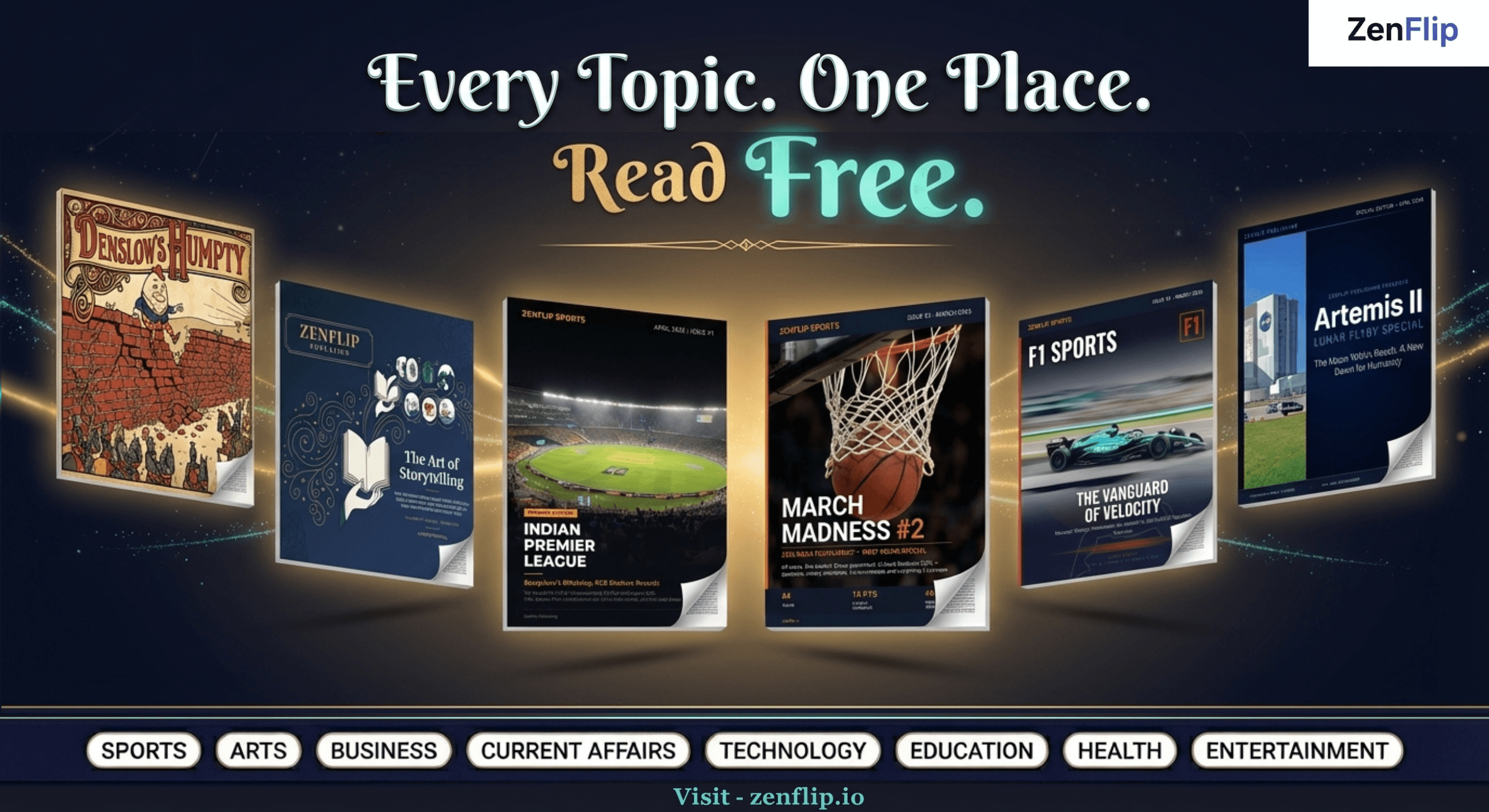
Looking for more insights on digital publishing, accessibility, sports, technology and more? The ZenFlip Library has you covered. Browse our full collection of free interactive magazines.
Every topic. One place. Read free at ZenFlip | Library
Frequently Asked Questions
What is an interactive annual report?
An interactive annual report is a digital flipbook version of a traditional annual report featuring page-flip animations, clickable links, mobile-responsive design, and options to share or embed the document.
How do I convert my PDF annual report into a flipbook?
Upload your finalised PDF to Zenflip, customise the branding and layout, add interactive links to relevant pages, and publish to a shareable URL.
Why use a flipbook instead of a static PDF for my annual report?
A flipbook removes friction for readers - it is easier to navigate, share, and access on any device without requiring a file download.
Can I apply my company's branding to the annual report flipbook?
Zenflip allows you to set brand colours, upload a logo, choose a cover image, and apply consistent fonts throughout the flipbook.
Is the flipbook compatible with mobile devices?
Yes. Zenflip's responsive design ensures your annual report displays correctly on all screen sizes without any additional configuration.
Can I embed the interactive annual report on my website?
Zenflip provides embed codes that allow you to place your flipbook directly on your investor relations or corporate website page.
Can I add clickable links inside the flipbook?
Yes. Zenflip allows you to embed clickable links within flipbook pages to connect readers to supporting content, contact details, or external website pages.
What should I consider when designing my annual report PDF before converting it?
Use clear headings, consistent fonts, high-resolution images, and a clean layout. A well-structured PDF will produce a well-structured and readable flipbook.
How do I share my published digital report once it is live?
Zenflip generates a unique URL for every published flipbook. Share it via email, embed it on your website, or post it on professional channels such as LinkedIn.
#InteractiveAnnualReport #AnnualReportFlipbook #DigitalAnnualReport #ConvertPDFtoFlipbook #OnlineBusinessReport #InteractiveDocument #PublishDigitalReport #DigitalReportDesign #FlipbookMaker #Zenflip
Turn your next PDF into a flipbook — free
No credit card, no watermarks, no time limits. 5 publications on the free plan — ready in under 2 minutes.